Charm Crush Terminal AI Coding Agent Guide
Verdict Cepat / TL;DR
Charm Crush (charmbracelet/crush) is an open-source terminal AI coding agent that brings full agentic capabilities directly into your command-line interface. Built with Go and Charm’s famous TUI framework, Crush gives developers an autonomous agent capable of reading context, editing files, executing terminal commands, and managing Git workflows without leaving the shell. Unlike GUI-heavy editors or complex subscription tools, Crush supports multiple model providers (Anthropic, OpenAI, local Ollama) while maintaining a minimal memory footprint and zero telemetry. If you prefer terminal-native workflows and want transparent tool execution control, Crush is one of the most practical vibe coding tools available today. When I build custom command-line tools, having this level of terminal control saves hours of unnecessary context switching.
What Is Charm Crush and Why Terminal AI Coding Matters
The landscape of AI-assisted software development has evolved rapidly from simple inline auto-completions to autonomous coding agents. While tools like Cursor and Windsurf have popularized agentic workflows inside visual IDEs, many developers spend their workdays inside terminal environments, multiplexers like tmux, or remote SSH sessions. Charm Crush addresses this exact space by delivering a dedicated, terminal-native AI agent.
Developed by Charmbracelet—the team behind popular terminal tools like Glow, Bubbletea, and Charm Cloud—Crush brings structured terminal UI (TUI) aesthetics to agentic coding. It operates directly on your local workspace filesystem, executing shell commands, inspecting diffs, and applying refactors while giving you full oversight through interactive permission gates. I have tested Crush extensively across multi-file Go and TypeScript repositories, and its responsiveness inside a plain shell window feels remarkably lightweight.
Key Architecture Features of Charm Crush
Understanding how Crush works under the hood highlights why terminal agents offer distinct advantages over browser extensions or standard editor plugins. The tool is engineered around key foundational features:
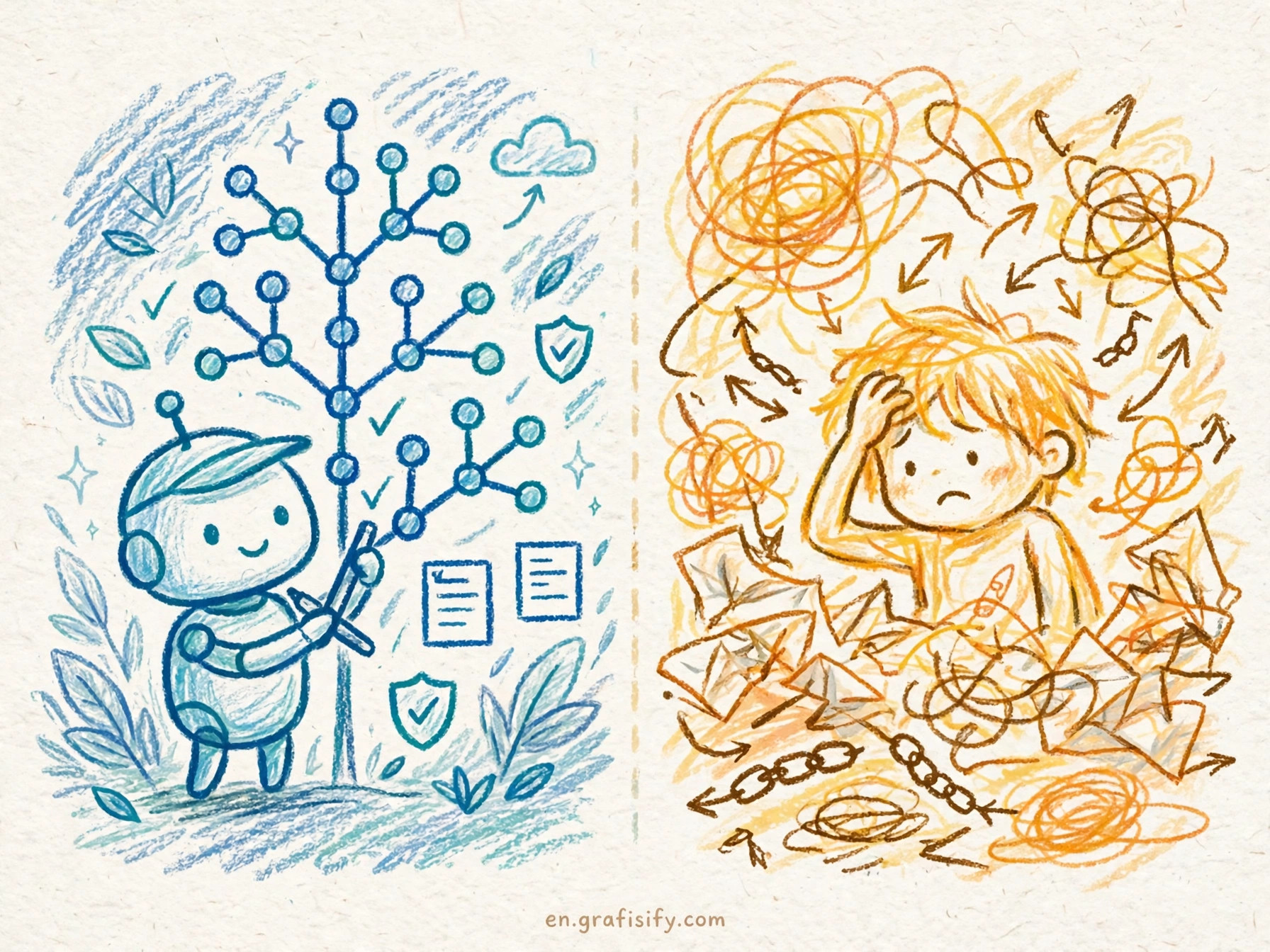
- Multi-Provider Model Flexibility: Crush is not locked to a single API vendor. You can configure it to run with Anthropic Claude 3.7 Sonnet, OpenAI GPT-4o, or local LLMs served via Ollama and Llama.cpp for complete privacy.
- Native Workspace Context Parsing: Crush automatically indexes project files, readmes, and git trees to build targeted prompts, preventing low-quality context hallucination.
- Interactive Tool Execution: When Crush generates terminal commands (such as running test suites, installing dependencies, or performing git commits), it prompts for user confirmation before execution.
- Zero Desktop Overhead: Being a CLI binary written in Go, Crush consumes less than 50MB of RAM, making it suitable for resource-constrained environments or remote cloud servers.
For additional insights into agentic coding workflows, you can explore the Claude Code vs Cursor benchmark or check our guide on Aider vs Cline vibe coding tools.
Step-by-Step Installation and Initial Configuration
Setting up Charm Crush on macOS or Linux takes under two minutes using standard package managers or binary downloads. Here is the straightforward setup path:
First, install the Crush binary via Homebrew or Go install:

# Install via Homebrew
brew install charmbracelet/tap/crush

# Or install using Go
go install github.com/charmbracelet/crush@latest
Next, configure your API keys by setting environment variables in your shell configuration file (such as ~/.zshrc or ~/.bashrc):
# Set Anthropic API Key
export ANTHROPIC_API_KEY="your-anthropic-api-key"

# Optional: Set OpenAI API Key
export OPENAI_API_KEY="your-openai-api-key"
Launch Crush inside any repository directory by typing crush in your terminal prompt. Crush will initialize its interactive TUI session, allowing you to enter prompt instructions immediately.


Real-World Vibe Coding Workflows with Charm Crush
Vibe coding emphasizes high-level direction over manual line-by-line syntax writing. In practice, Crush excels at several practical terminal workflows:
1. Automated Bug Fixes and Test Failures: When a unit test fails, you can direct Crush to inspect the test output and target files. Crush reads the stack trace, identifies the broken function, applies a patch, and re-runs the test suite to verify the resolution.
2. Refactoring Legacy Codebases: Passing prompts like "Convert this legacy callback chain in user_service.go to modern Go context handling" allows Crush to scan linked packages and rewrite code patterns across multiple files safely.

3. Interactive Shell Automation: Crush can handle infrastructure tasks, such as generating Dockerfiles, tweaking Kubernetes manifests, or constructing complex bash scripts based on plain English instructions.
To learn more about connecting local developer tools with external context protocols, see our detailed guide on MCP servers setup guide and vibe coding options.
Feature Comparison: Charm Crush vs Aider vs Claude Code vs Cursor
Choosing the right AI coding assistant depends heavily on your existing workflow, interface preferences, and privacy requirements. The comparison table below highlights key functional differences across popular tools:
| Feature / Metric | Charm Crush | Aider CLI | Claude Code | Cursor IDE |
|---|---|---|---|---|
| Primary Interface | Terminal TUI (Go) | Terminal CLI (Python) | Terminal CLI (Node) | Desktop GUI (VS Code Fork) |
| Local LLM / Ollama Support | Yes | Yes | No | No (Custom API required) |
| Interactive Command Confirmations | Yes | Yes | Yes | No (GUI prompts) |
| Memory / RAM Consumption | Under 50 MB | Around 150 MB | Around 200 MB | Over 1.5 GB |
| Open Source License | Yes (MIT/Custom) | Yes (Apache 2.0) | No (Proprietary) | No (Proprietary) |
As shown in official documentation from Charmbracelet GitHub Repository and official specs on Anthropic Official Site, terminal tools provide distinct latency and resource efficiency benefits. For local model requirements, refer to Ollama Model Library or developer resources at OpenAI Platform Docs.
Best Practices for Getting the Best Results with Crush
To maximize efficiency when using Charm Crush for daily coding, keep these practical tips in mind:
- Keep Commits Granular: Allow Crush to complete one logical change at a time. Review git diffs frequently using your terminal before authorizing follow-up agent steps.
- Provide Explicit Constraints: Include clear boundaries in your prompt, such as
"Refactor this module without adding third-party dependencies"or"Ensure all public functions include Go doc comments." - Use Local Models for Sensitive Code: When working on private enterprise repositories or confidential client projects, point Crush to an offline Ollama instance running Llama 3.3 or DeepSeek-R1 models to prevent data leakage.
- Combine with Terminal Multiplexers: Run Crush in a dedicated tmux pane alongside your active web server or continuous test runner for seamless feedback loops.
CTA / Kesimpulan
Charm Crush proves that agentic AI coding does not require heavy GUI applications or subscription-locked editors. By combining Charm’s terminal user interface design with multi-provider LLM support, Crush offers software engineers a lightweight, fast, and transparent AI coding assistant right in the terminal. Whether you are building quick prototypes, maintaining microservices, or refactoring codebase architecture, adding Crush to your command-line toolkit can significantly boost your daily vibe coding productivity. I recommend installing Crush today to experience terminal-native AI development firsthand.

Irfan is a Creative Tech Strategist and the founder of Grafisify. He spends his days testing the latest AI design tools and breaking down complex tech into actionable guides for creators. When he’s not writing, he’s experimenting with generative art or optimizing digital workflows.





 Artificial Intelligent
 Design & Creative
 Freelance
 Gadgets & Gear
 Insights
 Laptop
 Reviews
 Smartphone
 Tech Guides
 Vibe Coding