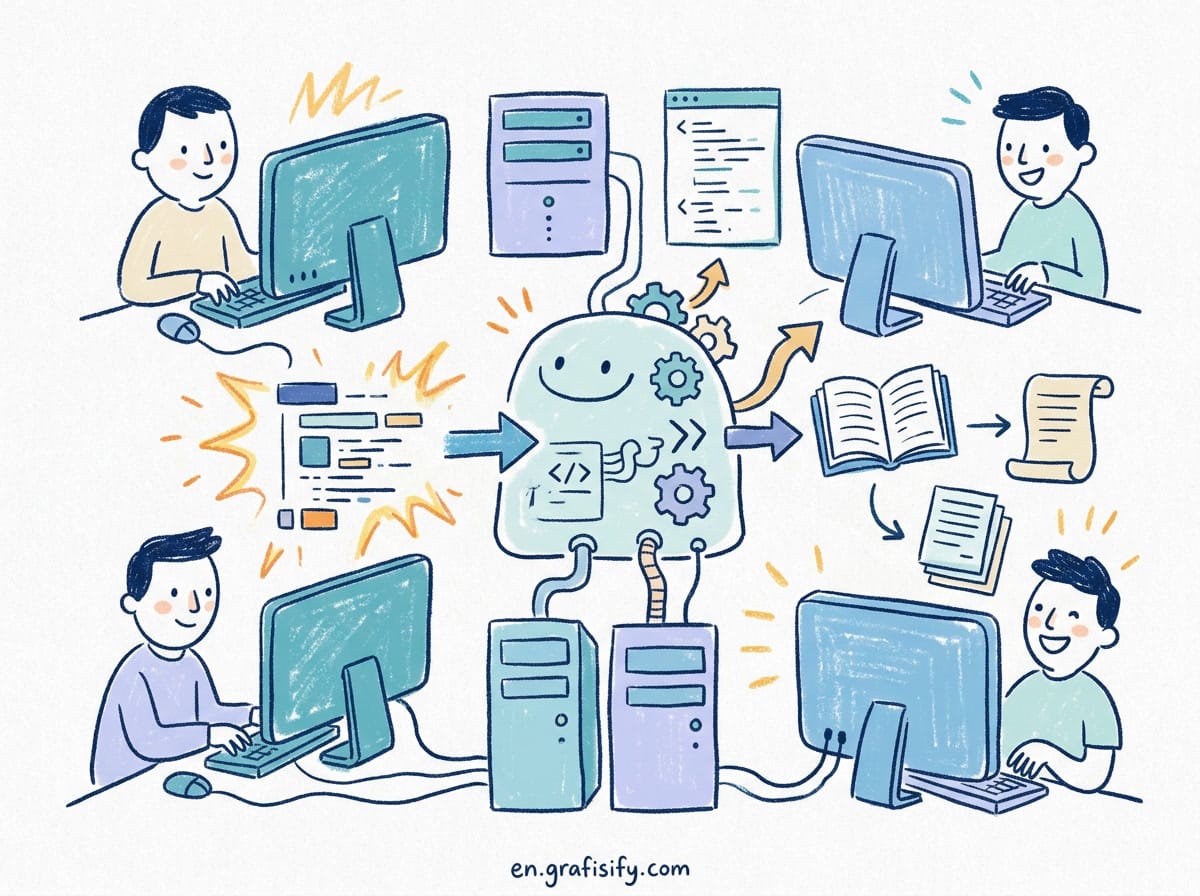
AI Output Verification for Freelancers (Risk-Based Framework and Practical Workflow)
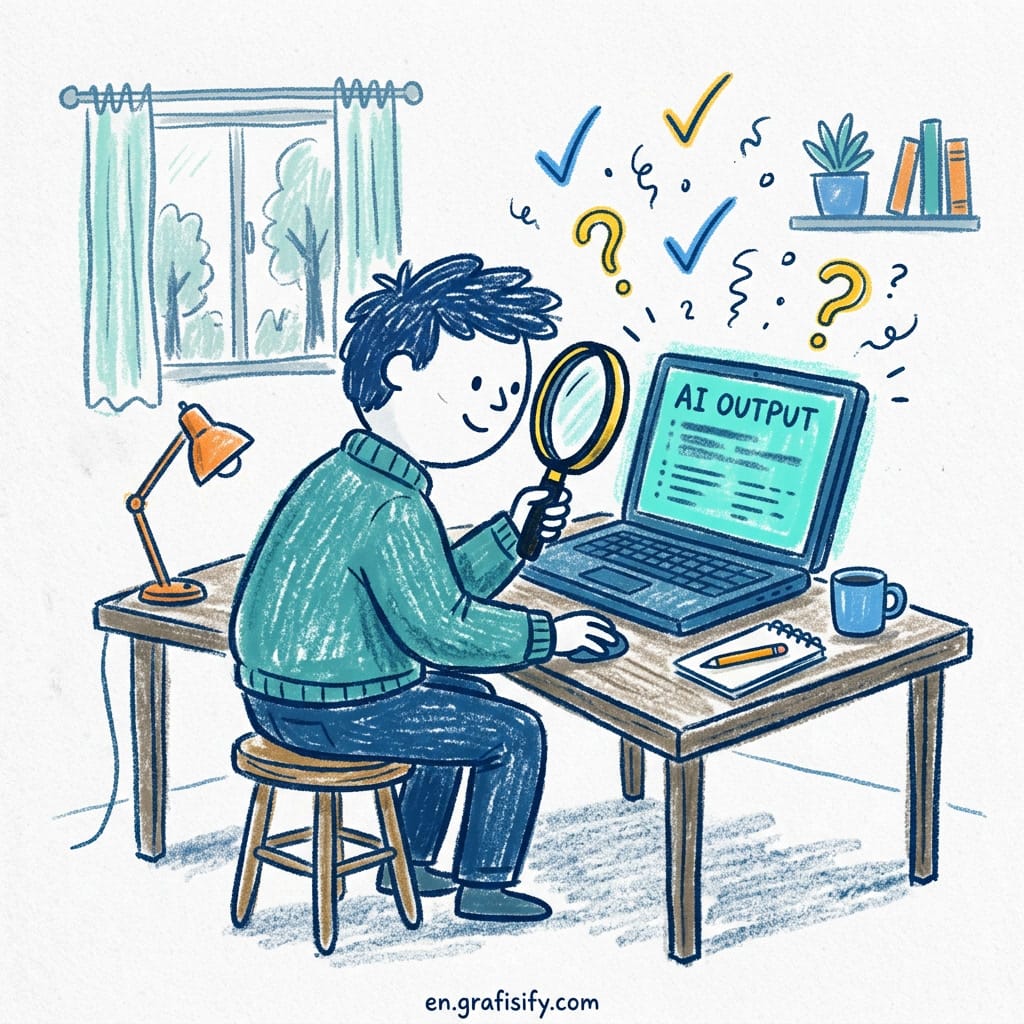
AI Output Verification for Freelancers (Risk-Based Framework and Practical Workflow)
AI tools save you hours, but they can also cost you a client. Hallucinations, outdated citations, and logical errors slip through when you trust output at face value. This AI Output Verification for Freelancers guide shows you a practical, risk-based framework for verifying AI-generated content before client submission, without turning verification into a second full-time job.
You have deadlines. You also have a reputation. When you use AI to draft a report, write code, design a graphic, or analyze data, every mistake that reaches the client reflects on you, not the model. That’s why verification isn’t an optional step. It’s the difference between “AI-assisted freelancer” and “someone who lost a client because ChatGPT made up a source.”
But here’s the tension: freelancers bill by the hour or by the project. Every minute you spend double-checking AI output is a minute you aren’t earning. So the goal isn’t perfect verification. It’s smart verification calibrated to the stakes of each deliverable. Let’s build that system.
What Is AI Output Verification for Freelancers?
AI Output Verification for Freelancers means checking AI-generated content for accuracy, relevance, and quality before delivering it to a client. Think of it as quality assurance tailored to the specific ways generative AI fails.
Also Read:

Unlike editing a human colleague’s work (where you trust their intent and check for polish), verifying AI output means you assume there are errors until proven otherwise. The model has no intent, no domain expertise, and no accountability. It produces text that looks correct. Your job is to separate the plausible from the provable.
For freelancers, this matters across every discipline. A copywriter needs to verify statistics and claims. A designer needs to check that AI-generated brand guidelines match reality. A developer needs to test code that compiles but contains subtle logic bugs. A data analyst needs to confirm that SQL queries return the expected results, not plausible-looking nonsense.
The common thread: you’re the human in the loop. The AI is your assistant, not your replacement. Verification is how you earn the “human in the loop” title rather than just claiming it.

AI Output Verification for Freelancers: The 4 Types of Mistakes
Before you build a verification workflow, you need to know what you’re looking for. AI Output Verification for Freelancers means understanding the four categories of AI mistakes, each requiring a different detection strategy.
Type 1: Hallucinated Facts and Sources
This is the most well-known failure mode. The model generates names, dates, statistics, and citations that sound real but are completely fabricated. A Forbes analysis found that AI citation accuracy rates hover around 60-70% even with advanced models, meaning 3 out of 10 references may be entirely invented. For freelancers submitting client deliverables, that’s a serious liability. Every statistic and every named source should be treated as guilty until proven innocent.
Type 2: Logical and Reasoning Errors
These are harder to catch because they look coherent. The model may write a step-by-step guide where step 3 contradicts step 1, or a code function that handles the happy path but fails on every edge case. The text flows well. The logic doesn’t hold. You need to read AI output with a skeptical eye: does this actually make sense, or does it just seem to make sense?

Type 3: Outdated or Out-of-Context Information
Most AI models have a knowledge cutoff. If you’re writing about tax laws, platform policies, or software features that changed last month, the model may serve you information that was accurate at training time but is now wrong. As our guide to the OpenAI o3 model and Nyvora AI’s research both note, recency is the most overlooked dimension of verification. Always cross-reference time-sensitive claims against current documentation.
Type 4: Subtle Tone and Brand Mismatches
Less discussed but equally dangerous for client work. AI tends to default to a neutral, corporate-educational tone. If your client’s brand voice is irreverent, technical, or deeply personal, raw AI output will clash. You have to adjust tone manually. The model can’t infer unwritten brand guidelines from a brief.
AI Output Verification for Freelancers: Risk-Based Framework Explained

Not every mistake costs the same. A typo in a social media caption is embarrassing. A hallucinated statistic in a client’s investor deck can end the relationship. AI Output Verification for Freelancers means matching your verification effort to the potential damage.
Also Read:

Here is a simple risk matrix to categorize AI-assisted deliverables:
| Risk Level | Example Deliverables | Verification Effort | Consequence of Error |
|---|---|---|---|
| Critical | Financial reports, legal documents, medical content, investor materials | 30-50% of AI time | Legal liability, lost client, reputation damage |
| High | Client-facing blog posts, code in production, data analysis with recommendations | 15-25% of AI time | Client dissatisfaction, rework requests |
| Medium | Internal documentation, draft emails, presentation outlines | 5-10% of AI time | Minor corrections, some embarrassment |
| Low | Brainstorming lists, rough drafts, personal notes | 1-2% of AI time | Minimal (caught in next editing pass) |
Use this matrix to decide how much verification effort to invest before you even open the AI output. The freelancer who applies critical-level scrutiny to every email will burn out fast. The one who treats everything as low-risk will eventually make a costly mistake. Calibrate, don’t guess.
How to Implement AI Output Verification for Freelancers: 5-Step Workflow
Here is a repeatable AI Output Verification for Freelancers process that takes 5 to 20 minutes depending on risk level. Each step is designed to catch a specific type of mistake with minimal overhead.
Step 1: Verify every statistic and named entity. Go through the output and isolate every number, date, name, and quote. Cross-reference each one with a reliable source. I keep a browser tab open to the relevant domain (government statistics sites, official documentation, recognized industry reports) and spot-check 100% of facts in critical deliverables, 50% in high-risk ones.
Step 2: Read for logical coherence out loud. Reading AI output silently lets you skim over contradictions because the prose flows well. Reading aloud forces you to slow down and process each claim. If a sentence makes you pause, flag it. If two paragraphs contradict each other, rewrite the section. This catches Type 2 errors that copy-paste reviews miss.
Step 3: Check recency of all referenced sources. For any claim that depends on timing, ask: is this information still accurate? AI training data has a cutoff date, and your client doesn’t care about that excuse. A quick search for “2026 update” or checking the publication date on cited sources reveals whether the model is referencing current or stale information.
Step 4: Verify all code and formulas by running them. If your deliverable includes code, SQL queries, Excel formulas, or data transformations, test them. Don’t read them. Run them. AI-generated code often compiles or parses correctly but produces wrong results because of edge cases the model didn’t consider. A five-second test saves a five-hour debugging session later.
Step 5: Apply the brand voice filter. Read the output one final time through the lens of your client’s communication style. Would they use this phrase? Is this sentence too formal? Too casual? Too corporate? Adjust until the text sounds like it came from the client’s team, not from a chatbot. This step is subjective, which is exactly why AI can’t do it for you.
AI Output Verification for Freelancers: Smart Tools and Shortcuts
Verification doesn’t have to be manual. Several tools help you verify faster without sacrificing quality. Use them to reduce the time investment, not to eliminate your judgment.
- Search-as-verification: Paste claims into a search engine with quotation marks and see if authoritative sources back them up. This is the simplest and most reliable method. It works for statistics, quotes, technical specifications, and product claims.
- AI-assisted fact-checking: Use one AI model to check another’s output. Ask the second model to identify potential errors in the first model’s text. This catches obvious hallucinations but introduces the risk of both models agreeing on a wrong answer, so use it as a first pass, not a final check.
- Version control for AI edits: Keep a diff of what the AI generated versus what you changed. This helps you spot patterns in the model’s errors and adjust your prompts to avoid them in future work. Over time, better prompting reduces verification effort naturally.
Taskbase’s analysis of AI subscription costs points out that verification time is a hidden expense many freelancers forget to factor into their pricing. If you spend 20 minutes verifying every AI-generated deliverable, your effective hourly rate drops. Price your services accordingly, or invest in tools that cut verification time without cutting corners.

Final Thoughts on AI Output Verification for Freelancers
AI will keep getting better. Hallucination rates will drop. Knowledge cutoffs will shrink. But the core principle of AI Output Verification for Freelancers won’t change: the freelancer is responsible for what goes out the door. No model sits in the client meeting when a statistic turns out to be wrong. No AI apologizes for a tone-deaf email that damages a relationship you spent months building.
Build verification into your workflow now, while the stakes are manageable. Start with the risk matrix. Categorize your typical deliverables, decide how much time each tier deserves, and run the 5-step process on your next AI-assisted project. It takes practice. After three or four cycles, it becomes automatic.
The goal isn’t paranoia. It’s professionalism. Clients come back to freelancers who deliver work they can trust. Verification is how you earn that trust: one checked fact at a time.

Irfan is a Creative Tech Strategist and the founder of Grafisify. He spends his days testing the latest AI design tools and breaking down complex tech into actionable guides for creators. When he’s not writing, he’s experimenting with generative art or optimizing digital workflows.





 Artificial Intelligent
 Design & Creative
 Freelance
 Gadgets & Gear
 Insights
 Laptop
 Reviews
 Smartphone
 Tech Guides
 Vibe Coding