AI code review tools catch bugs, enforce best practices, and save hours of manual diff scanning. This guide compares the top options for solo developers in 2026 with pricing, pros and cons, and a practical decision framework.
You ship code alone. There’s no senior engineer reviewing your pull requests. No team lead catching the edge case you missed at 2 AM. That used to mean one thing: every bug that made it to production was yours to own.
Things are different now. AI code review tools have matured to a point where a single developer can get feedback that rivals a three-person review team. CodeRabbit, Cursor BugBot, Qodo, and Greptile each approach the problem differently, and the right choice depends on how you work, not just what you build.
After six months of testing all four on real projects, here is what actually works and what doesn’t.
AI Code Review Tools: What They Are and Why Solo Developers Need Them
An AI code review tool analyzes your pull requests automatically. It flags logic errors, security vulnerabilities, performance bottlenecks, and stylistic issues before you merge. The good ones explain why something is wrong and sometimes suggest a fix.
Why does this matter more for solo developers? Because you lack the safety net of peer review. In a team, someone catches your blind spots. Alone, every assumption you make goes unchecked until it breaks in production. AI review tools fill that gap. They’re the second pair of eyes you don’t have.
Consider the last time you pushed code that worked locally but broke in production. Maybe a missing edge case. An API contract that changed without notice. A null pointer waiting for the right input. A good AI reviewer catches these patterns consistently. It doesn’t get tired, distracted, or rushed. It reads every single line, every single time.
Beyond bug detection, AI Code Review Tools enforce coding standards across your entire codebase. If you work on multiple projects with different conventions, an AI reviewer remembers which rules apply where. That kind of consistency is hard to maintain alone.
AI Code Review Tools: Top Options Compared
The market has settled around four main contenders. Each takes a different approach to solving the same fundamental problem: how to give a solo developer the equivalent of a senior engineer looking at every PR.
Tool
Pricing
Best For
Key Strength
CodeRabbit
$12-24/mo per dev
Line-by-line PR review
Conversational feedback, wide integration
Cursor BugBot
Included with Cursor Pro
Cursor IDE users
Deep codebase context, real-time scanning
Qodo
$15-30/mo per dev
PR quality gates
Test generation, CI/CD integration
Greptile
Free tier available
Multi-file projects
Full repository indexing
CodeRabbit leads in deployment reach. It integrates with GitHub and GitLab out of the box, posts line-level comments on every PR, and supports 40+ programming languages. For a solo developer, the conversational style is what stands out: you can ask follow-up questions, request alternative implementations, or dismiss false positives without friction. It feels less like a linter and more like a peer who happens to be available 24/7.
Cursor BugBot takes a different approach. Instead of waiting for a PR, it flags issues while you edit. This shifts review further left, catching problems before they ever reach a commit. If you already use AI coding assistants in your workflow, BugBot extends that safety net into the editing phase itself.
Qodo focuses on quality gates in CI/CD. It can generate unit tests alongside code review, which is useful if you ship to production often and want automated coverage checks. Qodo’s PR-level analysis flags broader architectural concerns, not just line-level nits. It connects to your project management tools and generates structured coding plans from issues before development starts.
Greptile stands out for its deep repository understanding. It indexes your entire codebase, not just the diff, so it spots inconsistencies across files. When your project grows beyond a few hundred lines and dependencies spread across modules, Greptile catches the edge cases that diff-only tools miss.
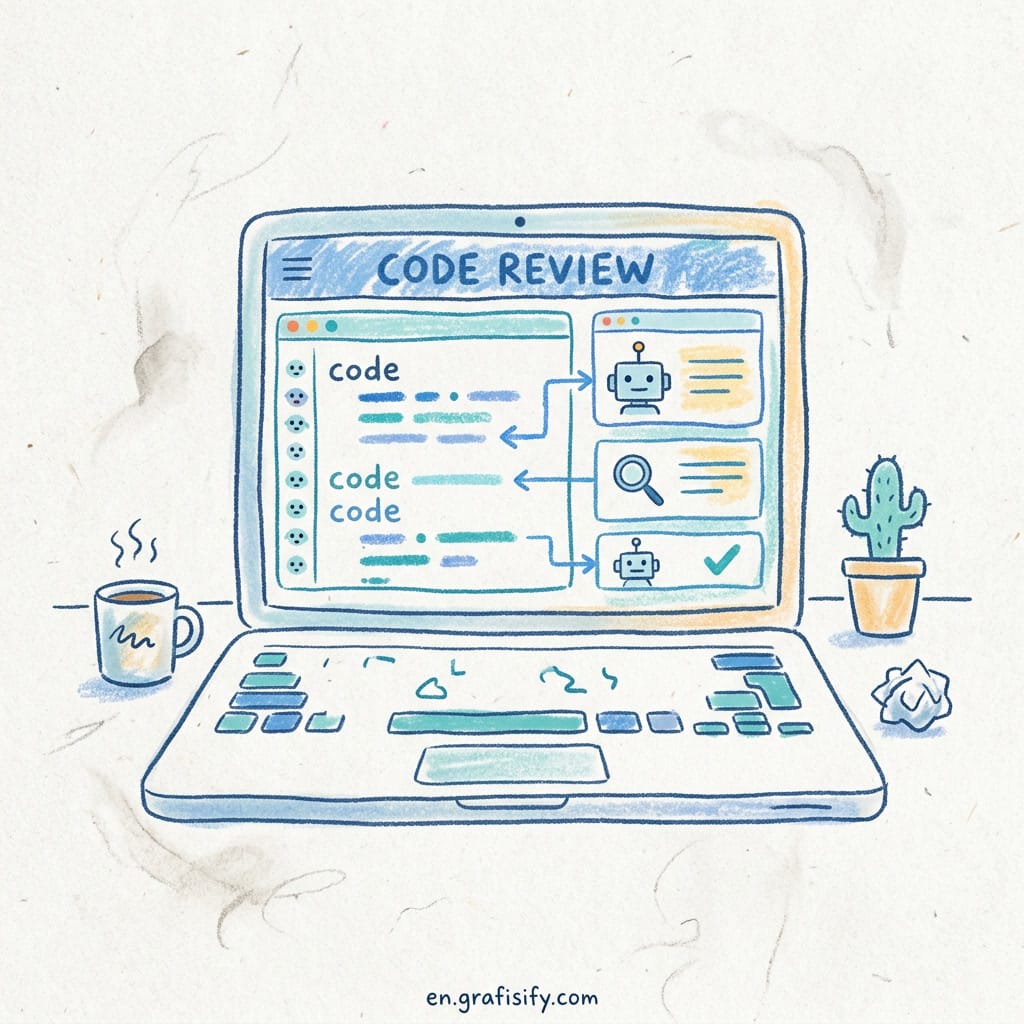
A modern coding workspace where AI code review tools analyze pull requests. (Source: Unsplash)
AI Code Review Tools: Pros and Cons by Tool
No tool is perfect. Here is what each AI Code Review Tool does well and where it falls short.
CodeRabbit
Pro: Best conversational interface of the group. You can push back on its analysis, ask for clarification, and refine its feedback in real time. The free tier is generous enough to evaluate deeply before committing. Reviews are fast: most PRs get initial feedback within seconds.
Con: Price scales per developer, which is fine for a solo operation but gets expensive if you bring on contractors. Some users report occasional hallucinated issues that waste time verifying. It also struggles with very large PRs where the diff spans hundreds of files.
Cursor BugBot
Pro: No separate subscription if you already pay for Cursor Pro. Deep IDE integration means it understands your editing context, not just the PR diff. It catches issues during development, not after, which is where the real time savings live.
Con: Only works inside the Cursor ecosystem. If you switch between editors or work across multiple IDEs, BugBot can’t follow. It’s also newer, so the feature set is less mature than CodeRabbit. Expect more false positives in the first few months of use. The trade-off is real: deeper integration with one editor means less flexibility overall.
Qodo
Pro: CI/CD native with automatic test case generation, a feature unique among these tools. Its architectural analysis goes beyond line-level suggestions to flag structural problems. For developers practicing test-driven development, the auto-generated tests provide a solid starting point. As Greptile documentation notes, combining automated review with manual oversight catches more edge cases than either approach alone.
Con: Setup is heavier than the alternatives. You need to configure it in your CI pipeline rather than installing a GitHub app. The conversational interface is less polished, and the documentation assumes a certain level of DevOps experience.
Greptile
Pro: Full repo indexing catches cross-file bugs that diff-only tools miss entirely. The free tier supports most solo projects without hitting limits. It’s particularly strong for catching API contract violations between services.
Con: Feedback can feel less direct because it operates at a broader scope. Some developers report slower review times on repositories over 50K lines. The initial indexing takes time, which means you don’t get instant value on day one.
How to Choose the Right AI Code Review Tool
Start with your workflow, not the feature list.
Ask yourself three questions. First, where do you review code? If you live inside Cursor, BugBot is the path of least resistance. If you push to GitHub and review in the browser, CodeRabbit gives you the best experience with zero configuration.
Second, what kind of issues do you most often miss? If it’s edge cases and logic bugs, CodeRabbit or Qodo will catch them at PR time. If it’s cross-file inconsistencies and architecture drift, Greptile’s repo-wide indexing pays off.
Third, what is your budget? CodeRabbit and Qodo both offer functional free tiers for evaluation. Greptile’s free tier is the most generous for ongoing use. BugBot is effectively free if you already have Cursor Pro.
Here is a quick decision guide:
Use CodeRabbit when you want the most mature, conversational PR review experience with minimal setup. It’s the safest default.
Use Cursor BugBot when you already use Cursor and want real-time feedback during development, not just at PR time.
Use Qodo when you need automated test generation alongside review and you have the patience to configure CI properly.
Use Greptile when your project spans multiple files and cross-module consistency is your biggest pain point.
You can also combine approaches. Many solo developers run CodeRabbit on GitHub for PR review and BugBot in the editor for real-time feedback. The total cost is just the Cursor subscription, since CodeRabbit’s free tier handles most solo workloads. One pattern I have seen work well is using Greptile for weekly full-repo health scans alongside CodeRabbit for every PR. This catches architectural drift at the macro level and logic bugs at the micro level without doubling the cost.
Whichever tool you pick, set it up this week. A single bug caught before merge can pay for the subscription for months.
AI-powered code review and data analysis for developers. (Source: Unsplash)
Final Thoughts
AI code review tools aren’t a replacement for understanding your code. They’re a force multiplier. They handle the tedious scanning so you can focus on architecture, user experience, and the parts of development that actually require human judgment.
For solo developers, the value is hard to overstate. You get the equivalent of a senior engineer glancing at every pull request without hiring one. The tools are affordable, setup takes minutes, and the ROI shows up in the first production bug that doesn’t happen.
Pick one, try it on your next PR, and see what you missed. I was honestly surprised the first time CodeRabbit caught a race condition I had completely overlooked. That single review paid for the year of subscription. The peace of mind alone is worth the setup time.
Irfan is a Creative Tech Strategist and the founder of Grafisify. He spends his days testing the latest AI design tools and breaking down complex tech into actionable guides for creators. When he’s not writing, he’s experimenting with generative art or optimizing digital workflows.










 Artificial Intelligent
 Design & Creative
 Freelance
 Gadgets & Gear
 Insights
 Laptop
 Reviews
 Smartphone
 Tech Guides
 Vibe Coding