The Ultimate Guide to Optimized LinkedIn Profiles for Freelance Creatives

The Verdict: If you are treating LinkedIn like a dusty digital résumé instead of a high-converting landing page, you are actively burning money. For freelance creatives, an optimized LinkedIn profile is the difference between chasing low-ball clients on Upwork and having Art Directors slide into your DMs with five-figure contracts.
Let’s be real for a second. As creatives, we have a complicated relationship with LinkedIn. It feels stiff. It feels corporate. It feels like a place where creativity goes to die under a pile of “thought leadership” and buzzwords like “synergy.” But here is the uncomfortable truth: that is exactly where the budget is. While Instagram is great for ego and Behance is perfect for peer validation, LinkedIn is where the decision-makers hang out.
This isn’t just about filling in the blanks. It is about a fundamental shift in psychology. We are going to tear down your profile and rebuild it into a client-attracting machine. No fluff, just strategy.
Why Most Creative Profiles Fail Hard
Most freelance creatives treat their LinkedIn profile like a graveyard of past employment. They list their job titles, toss in a few skills, and pray for the best. That approach is a one-way ticket to obscurity.
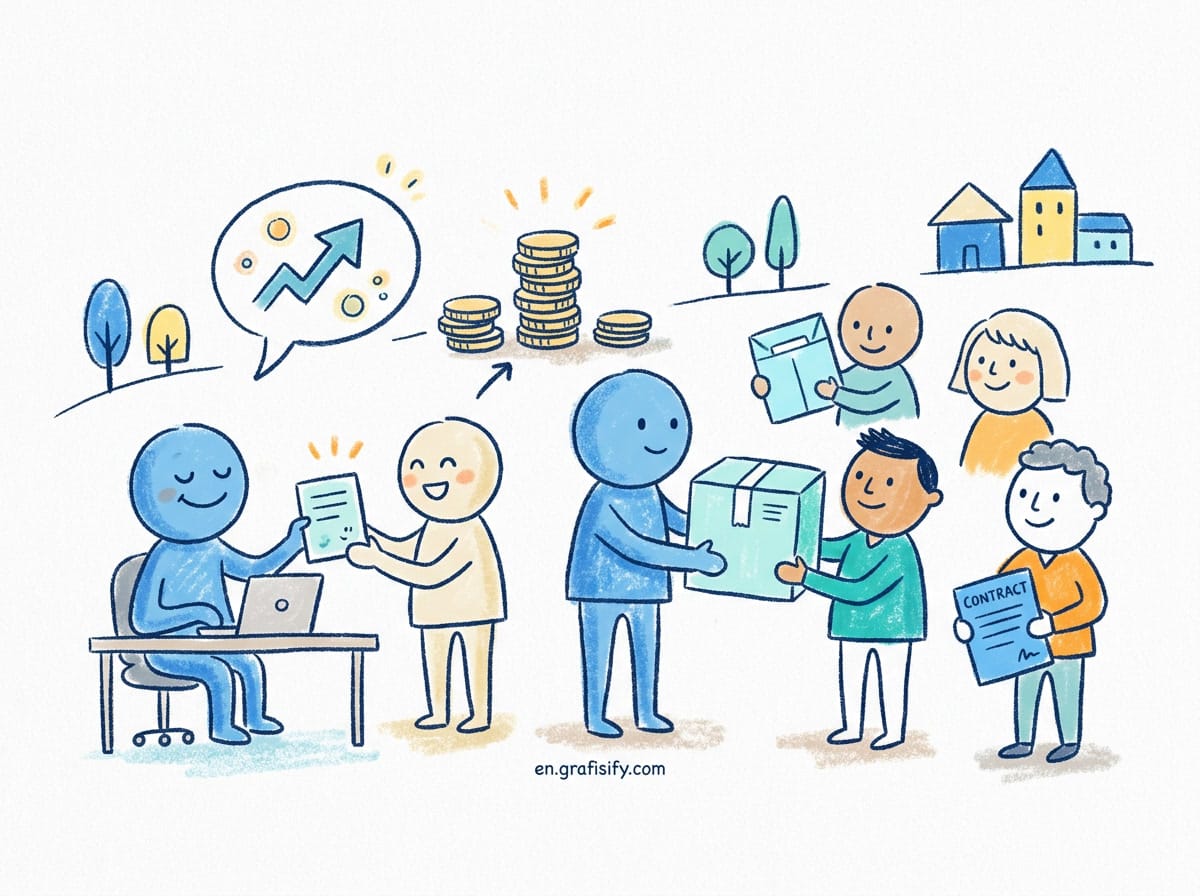
Here is the kicker: Clients do not care about your job history; they care about their future success. When a potential lead lands on your page, they are asking one question: “Can this person solve my problem without being a headache?”
If your profile screams “unemployed artist looking for work,” you lose. If it screams “premium consultant who delivers results,” you win. An optimized LinkedIn profile bridges that gap.
The Headline: Your 220-Character Elevator Pitch
Stop using your headline to state the obvious. “Freelance Graphic Designer” or “Copywriter” is not a headline; it’s a commodity. You need to position yourself as a specialist.
Think about SEO. When a Marketing Director searches for talent, what do they type? Usually, it involves a niche or a specific outcome. Your headline needs to combine what you do, who you do it for, and the result you provide.
Bad: Freelance Video Editor
Good: Video Editor for Tech Startups
Best: Helping SaaS Founders Turn Viewers into Users via High-Conversion Video Assets | Premiere Pro & After Effects Expert
See the difference? The last one uses optimized LinkedIn profile tactics by hitting keywords (SaaS, Conversion, Premiere Pro) while promising a tangible business result.
The Banner: Prime Real Estate
If you are still rocking the default grey geometric background, we need to talk. That header image is a billboard at the top of a skyscraper. Why leave it blank?
For creatives, this is a no-brainer. Use this space to showcase a collage of your best work, your value proposition, or strong social proof (logos of brands you’ve worked with). Visually, it establishes authority before the user even reads a word.
The “About” Section: Storytelling Over Stats
This is where things get interesting. Do not paste your CV summary here. Nobody reads that. Instead, write a letter to your ideal client.

Use the first three lines to hook them hard. Most people only see the snippet before clicking “see more.” Make them click.
Structure of a Winning About Section:
- The Hook: Identify their pain point. “Tired of designs that look pretty but don’t convert?”
- The Solution: How you fix it. “I build visual identity systems that scale with your Series B funding.”
- The Proof: Briefly mention big wins or years of experience.
- The Call to Action (CTA): Tell them exactly what to do next. “DM me ‘Audit’ for a free portfolio review.”
Inject your personality here. If you are witty, be witty. If you are minimal and stark, write that way. Authenticity beats corporate jargon every time.
The Featured Section: Your Portfolio Integration
LinkedIn finally realized creatives exist and gave us the “Featured” section. This is your gallery. Do not let it gather dust.
You should pin your best case studies here. Don’t just link to your website home page. Link to specific project outcomes. Upload a PDF of your pricing guide (if you’re bold) or a high-res carousel of your latest branding project. This visual proof stops the scroll and anchors the claims you made in your headline.

Experience: Reframing Project Work
Freelancers often struggle here. Do you list every gig? Do you just have one entry saying “Freelance” for ten years?
The best strategy for an optimized LinkedIn profile is a hybrid approach. Have one main entry for your freelance business (e.g., “Founder & Creative Lead at [Your Name] Creative”). Under this, list your core services and achievements.
However, if you did a long-term contract with a major brand (say, Nike or Google), list that as a separate experience entry. It adds massive credibility weight to your profile. Just make sure to label it as “Contract” or “Consultant” so it doesn’t look like you were a W2 employee if you weren’t.
For more insights on structuring your career narrative, check out our resources on freelance strategy and positioning.
Skills & Endorsements: The SEO Juice
You can list up to 50 skills. Use them all. Why? Because the LinkedIn algorithm uses these tags to surface your profile in recruiter searches. If you are a Motion Designer, you better have “Motion Graphics,” “Cinema 4D,” “Storyboarding,” and “Animation” listed.
Don’t be shy about asking peers for endorsements. It looks trivial, but a high number of endorsements signals to the algorithm that you are actually competent in what you claim.
Recommendations: The Currency of Trust
This is arguably the most critical section for conversion. You can say you are great; a client saying you are great is infinitely more powerful. Aim for at least 5 solid recommendations.
Pro Tip: When asking for a recommendation, don’t just say “Can you write me one?” Guide them. Ask them to mention the specific problem you solved and the ROI. “Hey, could you mention how the new web design increased sign-ups by 20%?” Specificity sells.
Creator Mode: To Turn On or Not?
For 99% of freelance creatives, the answer is YES. Turning on Creator Mode changes the “Connect” button to “Follow,” allowing you to build an audience without hitting connection limits. More importantly, it pushes your content (posts) higher up on your profile and allows you to add hashtags to your intro.
It also gives you access to LinkedIn Live and Newsletters, which are potent tools if you plan on creating content to attract leads. According to marketing data from HubSpot, content marketing on LinkedIn generates 3x more leads than traditional cold outreach.
Pros and Cons of a Highly Polished Profile
Pros
- Inbound Leads: Clients come to you, ending the feast-famine cycle.
- Higher Rates: Perceived value skyrockets when you look the part.
- Networking: easier access to high-tier collaborators.
Cons
- Maintenance: You need to engage. A dead profile looks worse than a bad one.
- Spam: You will get pitched by lead-gen bots. It’s the price of visibility.
Final Thoughts: Consistency is Key
Creating an optimized LinkedIn profile is not a “set it and forget it” task. It is a living document of your professional evolution. The algorithm loves activity. Comment on other creative directors’ posts, share your work-in-progress, and add value to the community.
Remember, your profile is your 24/7 sales rep. If it’s dressed in sweatpants (poor grammar, bad photos, vague text), it’s not closing deals. Dress it up in a bespoke suit (sharp copy, strong visuals, clear value prop), and watch the quality of your leads transform.
It’s time to stop cringing at LinkedIn and start capitalizing on it. The creative industry is business, after all. Treat yours like one.
For deeper dives into managing your freelance career, you might want to read Moz’s guide on personal SEO to understand how search engines view your personal brand.

Irfan is a Creative Tech Strategist and the founder of Grafisify. He spends his days testing the latest AI design tools and breaking down complex tech into actionable guides for creators. When he’s not writing, he’s experimenting with generative art or optimizing digital workflows.



 Artificial Intelligent
 Design & Creative
 Freelance
 Gadgets & Gear
 Insights
 Laptop
 Reviews
 Smartphone
 Tech Guides
 Vibe Coding