How to Choose a Gaming Laptop (Specs Explained for Real Buying Decisions)

How to Choose a Gaming Laptop (Specs Explained for Real Buying Decisions)
Buying a gaming laptop is harder than it should be. Two machines can carry the same GPU name and price but perform very differently once a game is running. The spec sheet looks simple on paper, yet the details that actually decide frame rates are buried where most shoppers never look.
This guide walks through the choices that matter and the ones that quietly waste your money. You will learn what a GPU tier actually delivers, why VRAM and wattage beat the model number, how to match a screen to the hardware, and where to put your budget without overspending.
By the end you can read any gaming laptop listing and know, in about a minute, whether it is worth the price.
Start With the GPU, Because Nothing Else Moves Frames Like It
The graphics chip is the single most important part of a gaming laptop. Every other component supports it, but the GPU decides how a game looks and how smoothly it runs. Get this wrong and no amount of RAM or a fast SSD will save you.

In the current market, two GPU generations share shelf space. The RTX 40 series, built on the Ada Lovelace architecture, still holds strong value. The RTX 50 series, on Blackwell, adds major efficiency gains and second-generation DLSS 4 with Multi Frame Generation. The honest answer is that both are good buys, just for different shoppers.
What Each GPU Tier Really Does
Use this as an anchor when comparing laptops. Prices run wide this year because of a component shortage, so treat the ranges as guidance rather than fixed numbers.
| GPU Tier | VRAM | Best Resolution | Typical Price |
|---|---|---|---|
| RTX 4050 | 6 GB | 1080p medium to high | $700 to $900 |
| RTX 4060 | 8 GB | 1080p high to ultra | $900 to $1,300 |
| RTX 4070 | 8 GB | 1440p high | $1,200 to $1,600 |
| RTX 5060 | 8 GB | 1080p ultra, light 1440p | $1,100 to $1,400 |
| RTX 5070 | 8 GB | 1440p high with upscaling | $1,400 to $1,800 |
| RTX 5070 Ti | 12 GB | 1440p high, entry 4K | $1,800 to $2,300 |
| RTX 4080 / 5080 | 12 to 16 GB | High refresh 1440p, 4K | $2,000 to $2,800 |
| RTX 4090 / 5090 | 16 to 24 GB | 4K maximum settings | $2,800 and up |
The RTX 4060 remains a 1080p sweet spot, and the RTX 4070 still does solid 1440p work. When these go on sale, they often beat newer cards in price to performance. Do not assume a bigger number is always the better buy. A discounted RTX 4070 can outperform a similarly priced early RTX 5060 in raw rasterization.
VRAM Is the Spec That Decides How Long the Laptop Stays Relevant
Video memory is where most buyers get caught off guard. A lot of popular tiers, including the RTX 4060, RTX 4070, RTX 5060, and RTX 5070, ship with just 8 GB. That is fine for 1080p today and most 1440p gaming with upscaling. But modern titles keep pushing VRAM usage higher, and 8 GB becomes a bottleneck in demanding games at maximum texture settings.
The practical guidance is straightforward. If you mostly play at 1080p, 8 GB is enough for the next few years. If you target 1440p or you tend to keep a laptop a long time, look for 12 GB or more.
Here is the part people miss. Stepping from an RTX 5070 to an RTX 5070 Ti can matter more for longevity than stepping from a 5060 to a 5070, precisely because of the VRAM jump from 8 GB to 12 GB. Spend the extra money there if you can, before chasing a fancier model name.

Watts Matter More Than the Brand on the Chip
The same GPU can perform very differently in two different machines. The reason is Total Graphics Power, abbreviated TGP, which is the wattage the laptop lets the GPU draw. A thin chassis might limit an RTX 5060 to 75 W, while a better cooled model lets the same chip run at its full 115 W. The full-power version can deliver double-digit percentage gains in frame rate from the exact same silicon.
Manufacturers do not always advertise this clearly. Before buying, find the TGP figure in a review or the detailed spec page. The rule of thumb is that a full-power GPU in a well-cooled chassis beats a starved one in a sleek case every time. A 140 W card roughly outperforms a 100 W variant of the same chip by about 12 percent in benchmarks.
This single number explains why two laptops with the same GPU can cost the same yet game so differently. It is worth ten minutes of research to pin it down.

Match the Display to the GPU, or You Waste the Hardware
A high-end GPU paired with a basic low-refresh screen is a common and expensive mistake. Rendering a game at 150 frames per second does nothing if your panel caps out at 60 Hz. You pay for power you never see.
Match the screen to what the hardware can actually push. For competitive shooters, a high-refresh panel with a fast gray-to-gray response matters more than raw resolution, because it reduces ghosting and lets you track fast-moving targets. For strategy or turn-based games, 60 frames per second is generally plenty.
Resolution matters too, but it depends on the GPU underneath. If you buy a 1440p 165 Hz screen, pair it with at least an RTX 5070. If you stay at 1080p and play fast shooters, an RTX 4060 or 5060 with a 144 Hz panel is a balanced, sensible pick. The GPU and display should move up the price ladder together.
RAM and Storage: Newer Games Want More Than Yesterday’s Baseline
The 16 GB that was the safe recommendation a few years back is now the floor. Several current titles consume more than 20 GB of system memory, so 32 GB has become the sensible baseline for anyone buying a gaming laptop in this generation. If you also run a browser, a voice chat app, and a capture tool at once, that extra headroom stops stutter before it starts.
Check one thing carefully before you commit. If the RAM is fully soldered to the motherboard, the laptop becomes obsolete the moment a game demands more background resources. Look for a machine with at least one upgradeable SODIMM slot so you can add memory later.
Storage deserves attention too. Modern games are large, and a 1 TB drive fills up after just a handful of big installs. Watch for models with a spare M.2 slot so you can add a second SSD without replacing the first.
Frame Generation and Upscaling: The RTX Tools Worth Understanding
The RT in RTX stands for ray tracing, the lighting technology that brings realistic reflections, shadows, and global illumination to games. But the bigger everyday benefit for most players is DLSS, short for Deep Learning Super Sampling.
DLSS renders a game at a lower internal resolution and uses AI to reconstruct a sharp, higher-resolution image. It boosts frame rates dramatically with minimal visual loss. DLSS 3 on the RTX 40 series adds Frame Generation, which creates extra frames for smoother motion. DLSS 4 on the RTX 50 series adds Multi Frame Generation, multiplying frames to reach very high refresh rates.
These features are a real advantage, not marketing fluff. They let a mid-range GPU punch well above its weight class, especially at higher resolutions where the reconstruction does the heavy lifting.
A Realistic Budget Decision Framework
Instead of a flat price list, think in terms of what each tier buys you in practice.
| Budget | Best Target | What You Get |
|---|---|---|
| Under $900 | RTX 4050 / 4060 | Reliable 1080p gaming at medium to high settings |
| $1,000 to $1,400 | RTX 5060 / 4070 | 1080p ultra, smooth high-refresh play |
| $1,400 to $1,800 | RTX 5070 | 1440p high with upscaling |
| $1,800 to $2,300 | RTX 5070 Ti (12 GB) | 1440p maxed, entry 4K, strong longevity |
| $2,300 and up | RTX 5080 / 5090 | High refresh 1440p and 4K desktop replacement |
The sweet spot for most US buyers sits between $1,200 and $1,600. In that range you can grab a fully powered RTX 5060 or RTX 4070, a 144 Hz or faster panel, and an upgradeable build. That combination carries most players five years or more.
Three Mistakes to Skip
Ignoring TGP. A power-limited RTX 5070 in a thin chassis throttles and delivers worse frame rates than a cheaper, fully powered 5060. Verify the wattage in the spec sheet and aim for a 140 W or higher limit for the higher-end chips.
Buying a high-end GPU with a low-refresh screen. You generate frames you cannot see, and you pay a premium for the privilege. Match the two.
Choosing a fully soldered build to save money upfront. The moment a game wants more memory, the laptop is stuck where it is. Pay a little more for upgradeability.
Key Takeaways
The GPU is the purchase, and everything else supports it. Buy the strongest GPU tier your budget allows, but never at the cost of a starved power limit or a screen that cannot show it.
Prioritize VRAM for longevity. If you plan to keep the machine several years and game above 1080p, 12 GB beats 8 GB even when it means a slightly lower model number.
Verify the TGP before you hand over the money. The wattage is the number that actually separates a great laptop from a disappointing one.
Aim for 32 GB of RAM and an upgradeable build. Both future-proof the purchase better than a marginally faster chip.
Frequently Asked Questions
Is 16 GB enough for gaming in 2026?
It still runs most games, but 32 GB is the safer baseline because several current titles use over 20 GB of system memory. If you multitask while gaming, the extra capacity prevents stutter.
Does screen refresh rate matter for every game?
Not really. It matters most for fast shooters where reaction time and smooth tracking decide the outcome. Turn-based and strategy games run fine at 60 frames per second.
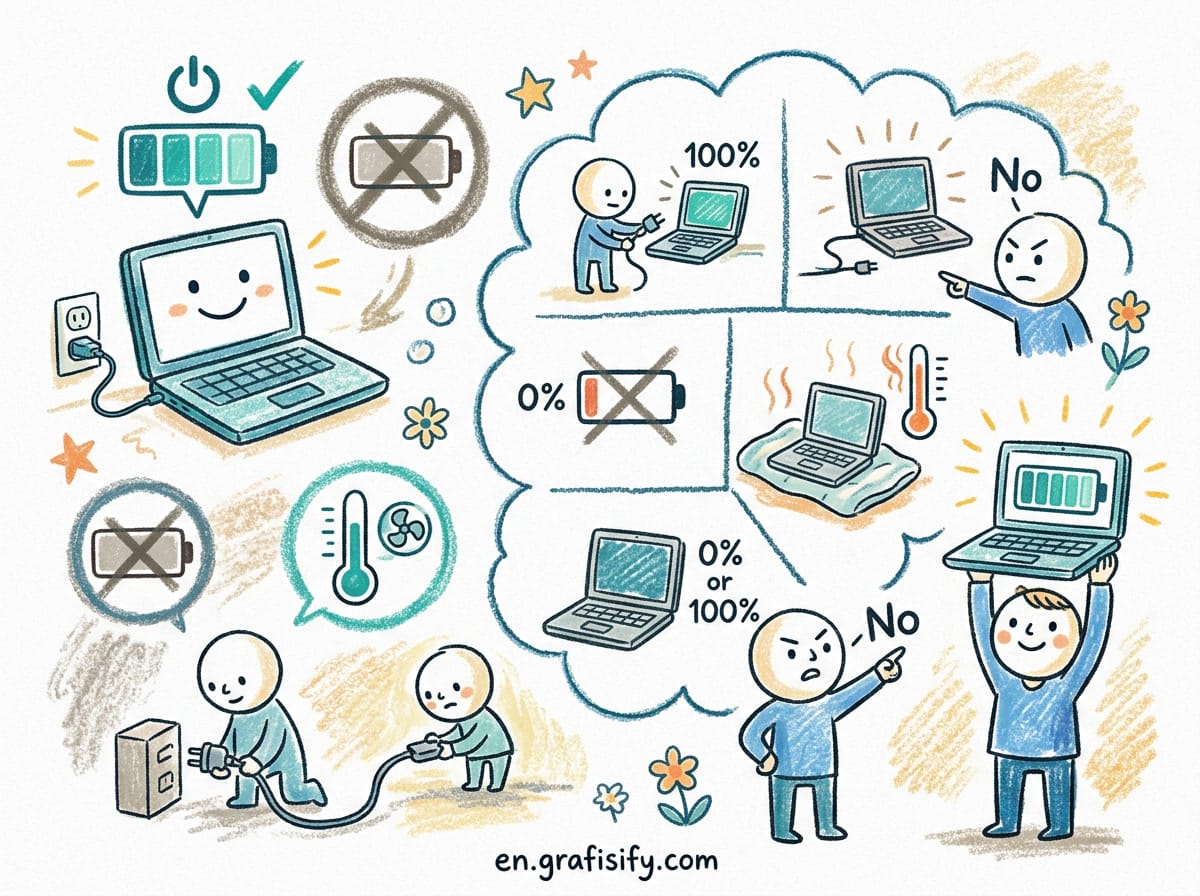
How long do gaming laptops last on battery?
Expect roughly four to five hours of non-gaming tasks. A high-performance GPU draws meaningful power even at idle, so gaming on battery is short by design.
Should I buy RTX 40 or RTX 50 series?
Buy RTX 40 series when you find a strong discount on a fully powered RTX 4060 or 4070. Buy RTX 50 series when you want the newest efficiency, DLSS 4 frame generation, and the longest useful life, and you accept a price premium.

Irfan is a Creative Tech Strategist and the founder of Grafisify. He spends his days testing the latest AI design tools and breaking down complex tech into actionable guides for creators. When he’s not writing, he’s experimenting with generative art or optimizing digital workflows.





 Artificial Intelligent
 Design & Creative
 Freelance
 Gadgets & Gear
 Insights
 Laptop
 Reviews
 Smartphone
 Tech Guides
 Vibe Coding