10 Essential Tools for Freelancers to Boost Your Productivity
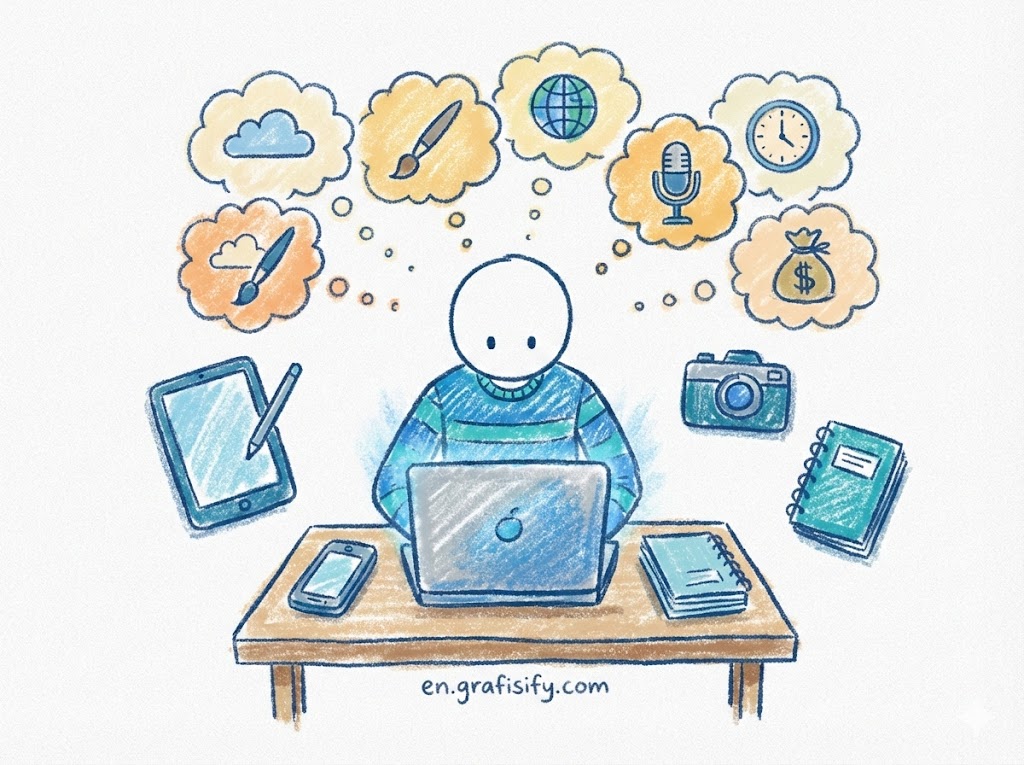
Quick Summary: Navigating the gig economy requires more than just talent; it requires the right infrastructure. We’ve tested and compiled the definitive list of software that streamlines workflow, automates billing, and enhances client communication. These top-tier choices are designed to recover lost hours and maximize your revenue.
What are Tools for Freelancers?
Tools for freelancers are specialized software applications and digital platforms designed to streamline independent workflows, manage client relationships, and automate administrative burdens. These essential resources encompass project management, time tracking, and financial software, enabling solo professionals to operate with the efficiency and scalability of a full corporate team.
10 Essential Tools for Freelancers
To survive and thrive in the competitive gig market, you need a tech stack that works as hard as you do. Here are the 10 best tools for freelancers that cover every aspect of your business operations.
1. Trello (Project Management)
Trello is often the first stop for freelancers drowning in post-it notes. It utilizes the Kanban method, a visual system that helps you visualize your workflow from “To Do” to “Done.” For visual thinkers, Trello’s card-based interface is intuitive and satisfying. You can create boards for different clients, add checklists to specific tasks, and even attach files directly to cards. It transforms the abstract concept of “work” into movable, manageable pieces.
Beyond simple task management, Trello allows for robust automation through its “Butler” feature. You can set rules that automatically move cards or send alerts when deadlines approach. This reduces the mental load of remembering every tiny detail. Whether you are a solo graphic designer or a writer juggling multiple editors, Trello acts as your digital project manager, keeping you accountable without the micromanagement.
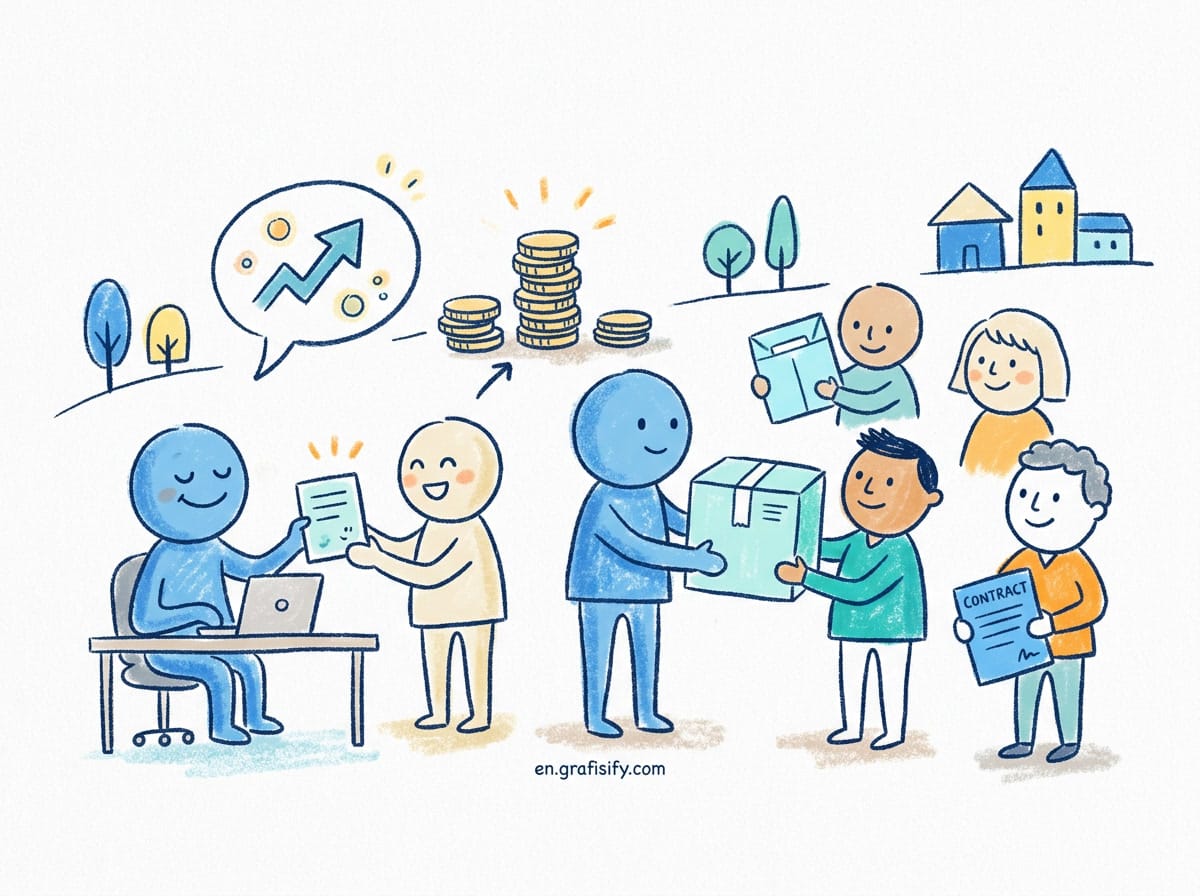
Why it wins: Its simplicity effectively lowers the barrier to entry for project management. You don’t need a PMP certification to master it in an hour. Learn more about the Kanban method to see why this visual workflow is so effective for agile freelancers.
2. Slack (Communication)
Email is great, but it can be slow and cluttered. Slack has revolutionized how freelancers communicate with clients and other collaborators. It offers real-time messaging organized by “channels,” allowing you to segregate conversations by project or topic. This keeps your inbox clear for high-level correspondence while daily back-and-forth happens instantly in the app.
Slack also integrates seamlessly with countless other tools for freelancers, such as Google Drive and Trello. This means you can receive updates on document changes or task completions directly within your chat window. For freelancers working with remote teams, Slack helps replicate the “water cooler” culture, reducing isolation and fostering better professional relationships.
3. FreshBooks (Invoicing & Accounting)
Chasing payments is the bane of every freelancer’s existence. FreshBooks is specifically designed to alleviate this pain. It allows you to create professional, branded invoices in seconds and, more importantly, automates the follow-up process. You can set automatic payment reminders, so you don’t have to send that awkward “just checking in” email yourself.
Beyond invoicing, FreshBooks offers robust expense tracking. By connecting your bank account, you can categorize expenses on the fly, making tax season significantly less terrifying. It provides profit and loss reports that give you a clear picture of your business health, ensuring you aren’t just working hard, but working profitably.
4. Toggl Track (Time Tracking)
If you bill by the hour, accurate time tracking is non-negotiable. Toggl Track is one of the most reliable tools for freelancers who need to log billable hours without disrupting their flow. Its one-click timer is unobtrusive, available via browser extension, desktop app, or mobile, ensuring you capture every minute of work regardless of where you are.
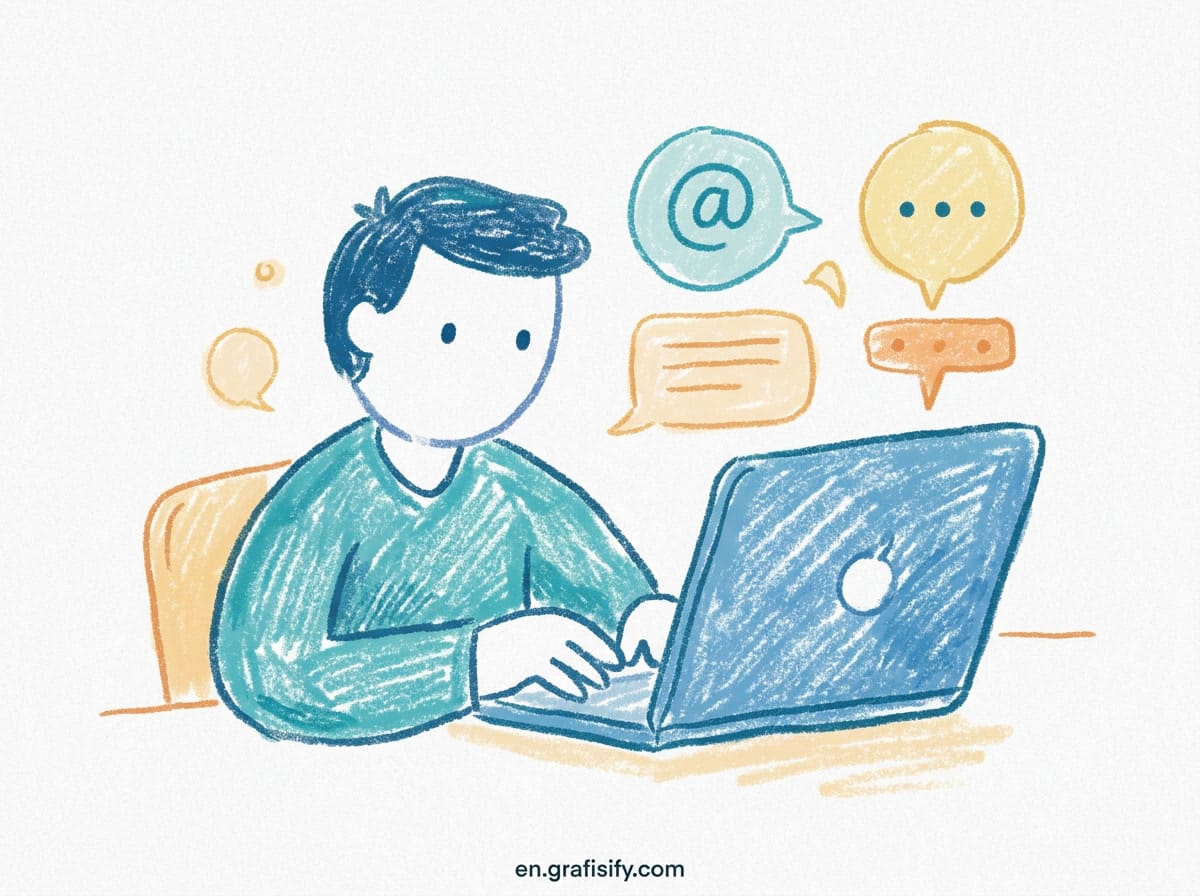
Even if you bill by the project, Toggl provides invaluable data. By tracking how long specific tasks take, you can audit your efficiency and adjust your flat rates accordingly. You might discover that a “quick” logo design actually takes ten hours, prompting a necessary price increase. Data is power, and Toggl gives you the analytics to price your services confidently.
5. Grammarly (Writing Assistant)
Your communication style is your brand. Typos and grammatical errors can undermine your professionalism instantly. Grammarly acts as an automated editor, checking your emails, proposals, and deliverables for errors in real-time. It goes beyond simple spell-check, offering suggestions for tone, clarity, and conciseness, ensuring you always sound polished and professional.
For freelance writers, the premium version is a must-have, catching advanced stylistic issues and plagiarism risks. However, even non-writers benefit immensely. A clearly written project proposal or client email can be the difference between landing a contract and being passed over. It is one of those tools for freelancers that works silently in the background but has a massive impact on your reputation.

6. Canva (Graphic Design)
Not every freelancer is a Photoshop wizard, but in the digital age, everyone needs good visuals. Canva democratizes design, allowing social media managers, writers, and virtual assistants to create stunning graphics with a drag-and-drop interface. With thousands of templates for proposals, social posts, and headers, you can maintain a high visual standard for your personal brand without hiring a designer.
Canva also allows you to create a “Brand Kit,” storing your logo, color palette, and fonts to ensure consistency across all your documents. This consistency helps you look more like a legitimate agency and less like a chaotic solo operator. It is a versatile tool that adds a layer of polish to everything you send to a client.
7. Zoom (Video Conferencing)
Face-to-face interaction builds trust, and in a remote world, Zoom is the standard for that connection. Its reliability and widespread adoption make it the safest bet for client meetings. Features like screen sharing are essential for walking clients through presentations, reviewing code, or explaining complex strategies in real-time.
The ability to record sessions (with permission) is a game-changer for scoping projects. Instead of frantically taking notes during a briefing, you can engage fully in the conversation and review the recording later to catch every detail. This ensures you never miss a requirement and helps protect you against scope creep by providing a record of exactly what was discussed.
8. Google Workspace (Collaboration)
Google Workspace (formerly G Suite) is the backbone of modern digital collaboration. It gives you a professional email address (you@yourbusiness.com) which is crucial for credibility. Beyond email, the suite includes Drive, Docs, Sheets, and Slides, all of which allow for live collaboration with clients. No more emailing “Draft_Final_V3.docx” back and forth; everyone works on the same live document.
The cloud storage aspect ensures your work is backed up and accessible from any device. If your laptop crashes, your business doesn’t crash with it. For freelancers, this security and accessibility are vital. It is arguably the most ubiquitous of all tools for freelancers, used by virtually every industry.
9. Calendly (Scheduling)
The “when are you free?” email dance is a massive waste of time. Calendly eliminates this friction entirely. You simply set your availability preferences, generate a link, and send it to your client. They pick a slot that works for them, and it automatically populates both your calendars. It handles timezone conversions automatically, which is a lifesaver for working with international clients.
By using Calendly, you also establish boundaries. You only open up slots when you want to take meetings, protecting your deep work time. It portrays a professional image and respects both your time and your client’s time. Efficiency in scheduling is a small optimization that saves hours over the course of a month.
10. LastPass (Security)
With dozens of accounts for different tools and client portals, managing passwords can be a nightmare. LastPass is a password manager that generates and stores complex, unique passwords for every site you visit. You only need to remember one master password. This significantly secures your digital life against hacks, which is critical when you are handling sensitive client data.
It also allows for secure password sharing. If a client needs to give you access to their website or social media account, they can share the login via LastPass without you ever seeing the actual characters. This maintains a chain of custody and security that savvy clients will appreciate and expect.
Practical Tips for Maximizing Your Tech Stack
Having the best tools for freelancers is only half the battle; using them effectively is what truly boosts productivity. Here is how to get the most out of your software.
Integrate Everything: Don’t let your data live in silos. Use integrations (or tools like Zapier) to connect Trello with Slack, or Calendly with Zoom. For example, when a client books a meeting via Calendly, it should automatically create a Zoom link and add it to your calendar. This automation reduces manual data entry errors.
Audit Regularly: Subscription bloat is real. Every six months, review your bank statement for tool subscriptions. If you haven’t opened an app in a month, cancel it. Paying for software you don’t use cuts directly into your profit margins.
Pros & Cons of Freelance Tools
✅ The Good
- Automation: Reduces repetitive administrative tasks like invoicing and scheduling.
- Professionalism: sophisticated tools make solo freelancers look like established agencies.
- Scalability: The right tech stack allows you to handle more clients without working more hours.
❌ The Bad
- Cost: Monthly subscriptions can add up quickly, eating into overhead.
- Learning Curve: Setting up complex CRM or project management systems takes time upfront.
- Distraction: Constant notifications from Slack or Trello can interrupt deep work flow.
Final Thoughts
Building a sustainable freelance career requires treating yourself like a business, and every good business relies on solid infrastructure. The tools for freelancers listed above are not just expenses; they are investments in your sanity and scalability. By automating the mundane and organizing the chaotic, you free up your brain space to do what you do best—deliver high-quality work to your clients.
Start by implementing one or two of these tools this week. Don’t try to overhaul your entire workflow overnight. Once you master one, add another. Your future self (and your bank account) will thank you.
For more insights on the growing gig economy, check out Forbes’ coverage on small business trends.
Tagged with:
Business ToolsDigital NomadEntrepreneurshipFreelancingInvoicingProductivityProject ManagementRemote WorkSoftwareTime Tracking
Irfan is a Creative Tech Strategist and the founder of Grafisify. He spends his days testing the latest AI design tools and breaking down complex tech into actionable guides for creators. When he’s not writing, he’s experimenting with generative art or optimizing digital workflows.


 Artificial Intelligent
 Design & Creative
 Freelance
 Gadgets & Gear
 Insights
 Laptop
 Reviews
 Smartphone
 Tech Guides
 Vibe Coding