How to Choose a Laptop for Programming (Developer Specs Guide, Budget Decision Framework)

Laptop for Programming, How to Choose the Right Specs for Developers
Finding the right Laptop for Programming means matching the machine to the type of development you actually do. Web developers, data engineers, mobile builders, and AI tinkerers have very different hardware requirements. You do not need a top-tier gaming laptop to write good code. Picking the wrong spec means either paying for power you’ll never use or fighting daily slowdowns that eat into your productivity. This guide breaks down exactly what matters for each use case, so you can spend your money on what counts.
Every programmer has been there. You open Docker, fire up an IDE, launch a local server, and suddenly your laptop sounds like a jet engine. The fan spins up. The cursor stutters. You wonder: did I choose the wrong machine?
Probably not. You just bought for the wrong workload. But how do you know which workload category you fall into? And what happens if you pick wrong?
Laptop for Programming: What Actually Matters
A laptop for programming isn’t the same as a laptop for gaming, video editing, or general office work. The workload profiles are fundamentally different. A compiler benefits from single-core speed. Docker containers eat RAM for breakfast. Large codebases in IntelliJ or VS Code demand fast storage I/O more than GPU power. Understanding these differences saves you hundreds of dollars.

Here’s the short version: prioritize RAM and storage over CPU in most cases. A Laptop for Programming works best when you balance components deliberately. A mid-range processor paired with 32 GB of RAM and a fast SSD will outperform a high-end CPU with 16 GB of RAM for almost every development task. The exceptions are video encoding, large-scale compilation, and AI model training, where GPU and core count start to matter.
Laptop for Programming Deep Dive: CPU, RAM, Storage, and Display

Laptop for Programming CPU: Good Enough Is Actually Good Enough
The processor market in 2026 offers plenty of options across Intel Core Ultra and AMD Ryzen 9000 series. For daily development, a Laptop for Programming with a six-core chip and decent single-core performance is sufficient. The AMD Ryzen 5 or Intel Core Ultra 5 range hits the sweet spot between price and performance. You only need an eight-core or higher chip if you compile massive monorepos or run multiple virtual machines simultaneously.
Single-core speed matters more than core count for most coding tasks. Why? Because most code compiles sequentially, and a fast single thread finishes the job faster than many slow threads coordinating. A fast six-core chip compiles code faster than a slow twelve-core chip in typical workloads. As WePC notes in their 2026 CPU guide, “most day-to-day development is driven by fast, responsive single-core performance.” Don’t fall for the core-count marketing trap.
Laptop for Programming RAM: The Bottleneck You Will Feel Every Day
This is the single most important specification for a development laptop. Sixteen gigabytes is the absolute minimum for professional work. Thirty-two gigabytes is the realistic sweet spot. Here’s what your RAM gets used for:
- A VS Code window with four projects open: 2-3 GB
- Docker with three containers: 4-8 GB depending on services
- A web browser with 20+ tabs (yes, you): 4-6 GB
- Node.js or Python dev server: 0.5-1 GB
- Slack, Teams, or Discord: 1-2 GB
Add those up and you’re already at 12-20 GB before you open anything serious. If your laptop has soldered RAM, you can’t upgrade later, that 16 GB config you bought today is the max you’ll ever have. Many modern ultrabooks from Apple, Dell XPS, and Huawei have non-upgradeable memory. Always verify this before buying. A simple teardown video on YouTube or a forum post can tell you if the RAM is socketed or soldered before you pull the trigger.
Storage: NVMe SSD Is Non-Negotiable
A 512 GB NVMe SSD is the minimum for a developer laptop. One terabyte is more comfortable. You need the speed for project indexing, dependency installation, and database operations. A SATA SSD or a hard drive will make your development experience miserable. The difference between a fast NVMe drive and a SATA drive is the difference between a project indexing in five seconds versus thirty seconds, repeated dozens of times per day.
If your work involves large datasets, container images, or multiple operating system partitions, consider 2 TB. The additional cost is worth the headache of constantly managing disk space.
Laptop for Programming Display: Your Eyes Will Thank You
A 1080p display is acceptable for casual coding, but 1440p or higher gives you significantly more screen real estate. You see more lines of code, more panels, and fewer horizontal scroll bars. A 14-inch or 15-inch laptop with a 2560×1600 resolution is the sweet spot for portable development work. If you primarily dock your laptop, invest in a good external monitor and treat the built-in display as secondary.
OLED panels offer better contrast and color but come with potential burn-in risk for static UI elements like your IDE. IPS remains the safe, reliable choice for coding work.

Laptop for Programming Pros and Cons: Upgradable vs Soldered Designs
One of the most important decisions is whether to choose an upgradable laptop or a soldered one. Here’s a comparison table to help:
| Feature | Upgradable (ThinkPad, Framework) | Soldered (MacBook, Dell XPS) |
|---|---|---|
| RAM Upgrade | Yes, anytime | No, choose at purchase |
| SSD Upgrade | Yes, standard slot | Depends on model |
| Initial Cost | Lower base config | High upfront for future-proof |
| Longevity | 5-7 years | 3-5 years |
| Weight | Slightly heavier | Thinner, lighter |
| Battery Life | Good | Excellent |
The Framework laptop has gained significant traction among developers precisely because it offers upgradable RAM, storage, and even motherboards. You can buy a lower-spec model now and upgrade as your needs grow. For freelancers who can’t afford a high-end machine upfront, this is a game changer.
Laptop for Programming Budget Framework: From Entry-Level to Pro
Entry-Level (Under $800)
If you are a student or just starting your coding journey, you do not need to break the bank. Entry-level laptops with recent processors can handle web development, Python scripting, and lightweight JavaScript frameworks without issue. The key is getting the fastest SSD and the most RAM your budget allows, even if that means a smaller screen or a plastic chassis.
Look for a laptop with a Ryzen 5 or Core Ultra 5 processor, 16 GB RAM (verify upgradeability), and a 512 GB NVMe SSD. The display will likely be 1080p, which is fine for starting out. Expect 4-5 hours of battery life under development load. This tier handles web development, Python scripting, and basic JavaScript projects comfortably.
Mid-Range ($800 – $1,500)
This is the sweet spot. Aim for 32 GB RAM, a 1 TB NVMe SSD, and a 1440p display. A six-core processor with decent integrated graphics handles Docker containers, local databases, and moderate compilation loads. The Lenovo ThinkPad T-series and Dell Latitude lines are popular choices in this bracket. Battery life improves to 6-8 hours.
Professional ($1,500 and Up)
At this level you get 32-64 GB RAM, 1-2 TB storage, high-res displays, and premium build quality. This is where MacBook Pro with Apple Silicon dominates, though a Framework 16 or ThinkPad P-series also compete well. If your work involves AI/ML model training, local GPU rendering, or massive monorepo compilation, invest in this tier. You’ll also get excellent keyboards, which matter more than most developers admit.

Final Thoughts
I have bought four development laptops over the last decade, and underspeccing the RAM was a mistake every single time. My current machine is a ThinkPad with 32 GB of RAM and a 1 TB SSD, and it has handled everything from Docker-heavy microservices to Android builds without complaint. The extra $200 for more memory was the best investment you can make.
Don’t overthink the processor. Don’t cheap out on RAM or storage. Check if the RAM is soldered before you buy. And remember: the best laptop for programming is the one that lets you stop thinking about your laptop and focus on the code.
For a deeper look at modern CPU options, check this detailed AMD vs Intel processor comparison from Orm Systems. For specific laptop model recommendations, the PCMag best laptops for programmers guide covers tested configurations for various budgets.
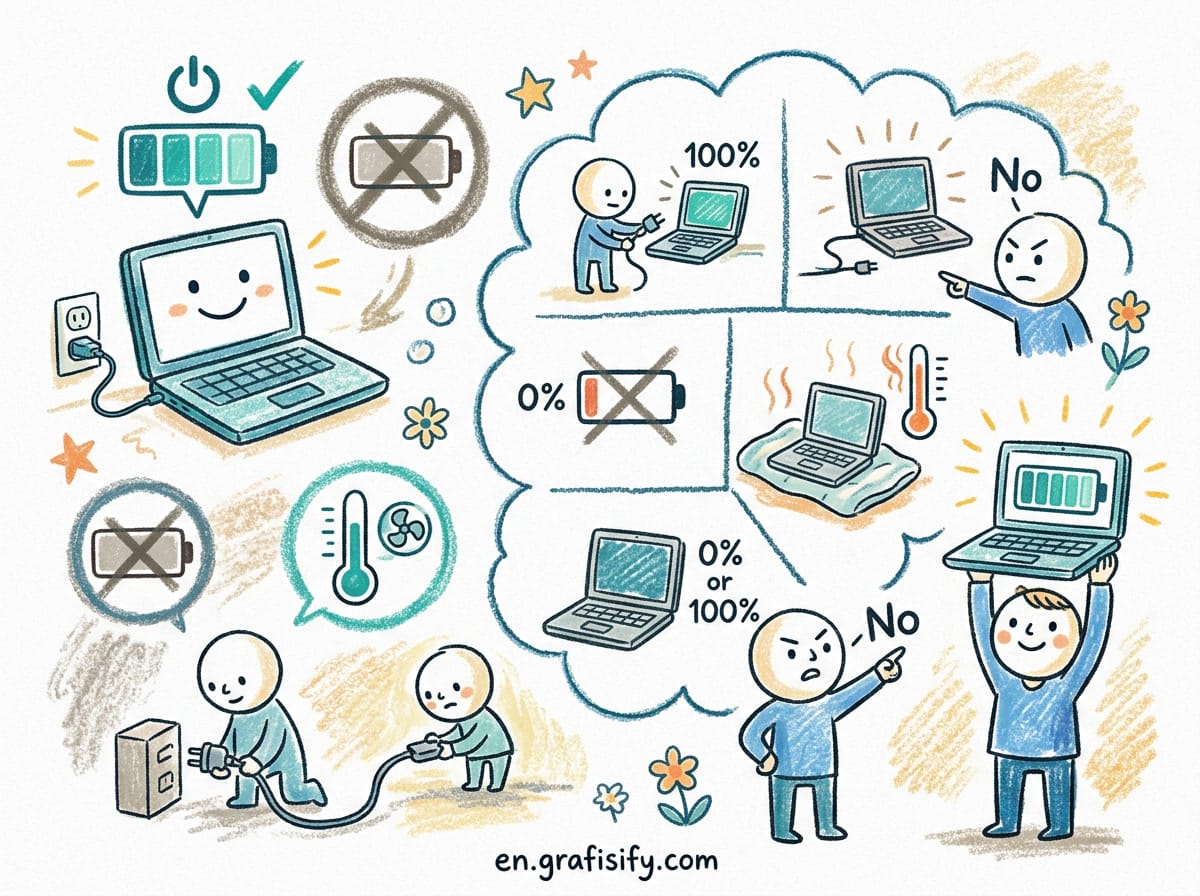
Read our laptop battery health guide to keep your machine running longer once you’ve chosen the right one.

Irfan is a Creative Tech Strategist and the founder of Grafisify. He spends his days testing the latest AI design tools and breaking down complex tech into actionable guides for creators. When he’s not writing, he’s experimenting with generative art or optimizing digital workflows.




 Artificial Intelligent
 Design & Creative
 Freelance
 Gadgets & Gear
 Insights
 Laptop
 Reviews
 Smartphone
 Tech Guides
 Vibe Coding