Debugging With AI Coding Assistants: A Workflow Guide

The short version: AI coding assistants debug fast only when you debug well first. Reproduce the bug, hand the model the full error plus the relevant code, ask for the cause before the fix, and test each hypothesis on its own. Models guess. Your job is to make the guessing cheap and the verification strict.
Most developers waste their AI debugging sessions in the same way. They paste a fragment of an error message, ask “what is wrong with this code,” and accept the first patch the model offers. The patch works once, breaks something else later, and the developer concludes the tool is unreliable. The tool was fine. The process was the problem.
I treat an AI coding assistant like a sharp junior developer with no memory of my project. It reads fast, it knows a lot, and it will confidently invent details when context is thin. Give it the full picture and it earns its keep. Give it scraps and it invents a fix for a bug you never had.
Reproduce the Bug Before You Prompt Anything
The strongest rule in debugging has not changed: reproduce before you fix. A bug you can trigger on demand is a bug you can measure a fix against. A bug you only saw once is a story you tell the model, and stories get details wrong.

Write down the exact command or click path that triggers the failure. Save the full stack trace, not the last three lines. Note the branch, the environment, and any input that matters. The debugging workflow skill from the awesome-ai-agent-skills collection states this rule first for a reason: reproduce before fixing when possible, and read logs, stack traces, and test output before changing code.
This step feels slow. It is the fastest part of the whole process. A reproducible bug gives every later step a pass or fail signal. Skip it and you spend the session arguing with the model about whether the fix worked.
Feed the Assistant Evidence, Not Vague Questions
A vague prompt gets a vague patch. “Fix this function” hands the model no information about what broken means. Compare that with a prompt that carries evidence: the full error message, the input that triggered it, the two files involved, and the test output. The second prompt lets the model reason. The first one forces it to guess.

The practical workflow that experienced teams follow looks like this. Reproduce the bug with exact steps. Paste the full error, never a shortened version. Include the relevant files, routes, types, and test output. Ask for the likely causes first, not for code changes. Request a minimal fix with an explanation. Then run the tests and inspect every diff yourself. That evidence-first sequence comes from a practical breakdown of debugging with Copilot, Cursor, and chat tools, and it matches what I see in real sessions: the developers who get the best results from AI assistants are the ones who bring the most context.
One more habit matters here. Keep the conversation in one thread per bug. When a session grows long and the model starts forgetting earlier findings, start fresh and paste a summary of what you know. Long threads drift. Fresh threads stay sharp.
Work One Hypothesis at a Time
Complex bugs have several plausible causes. The temptation is to ask the model to fix all of them at once. Resist it. Every debugging guide that holds up under real use says the same thing: form one hypothesis at a time and test it with the fastest reliable check.
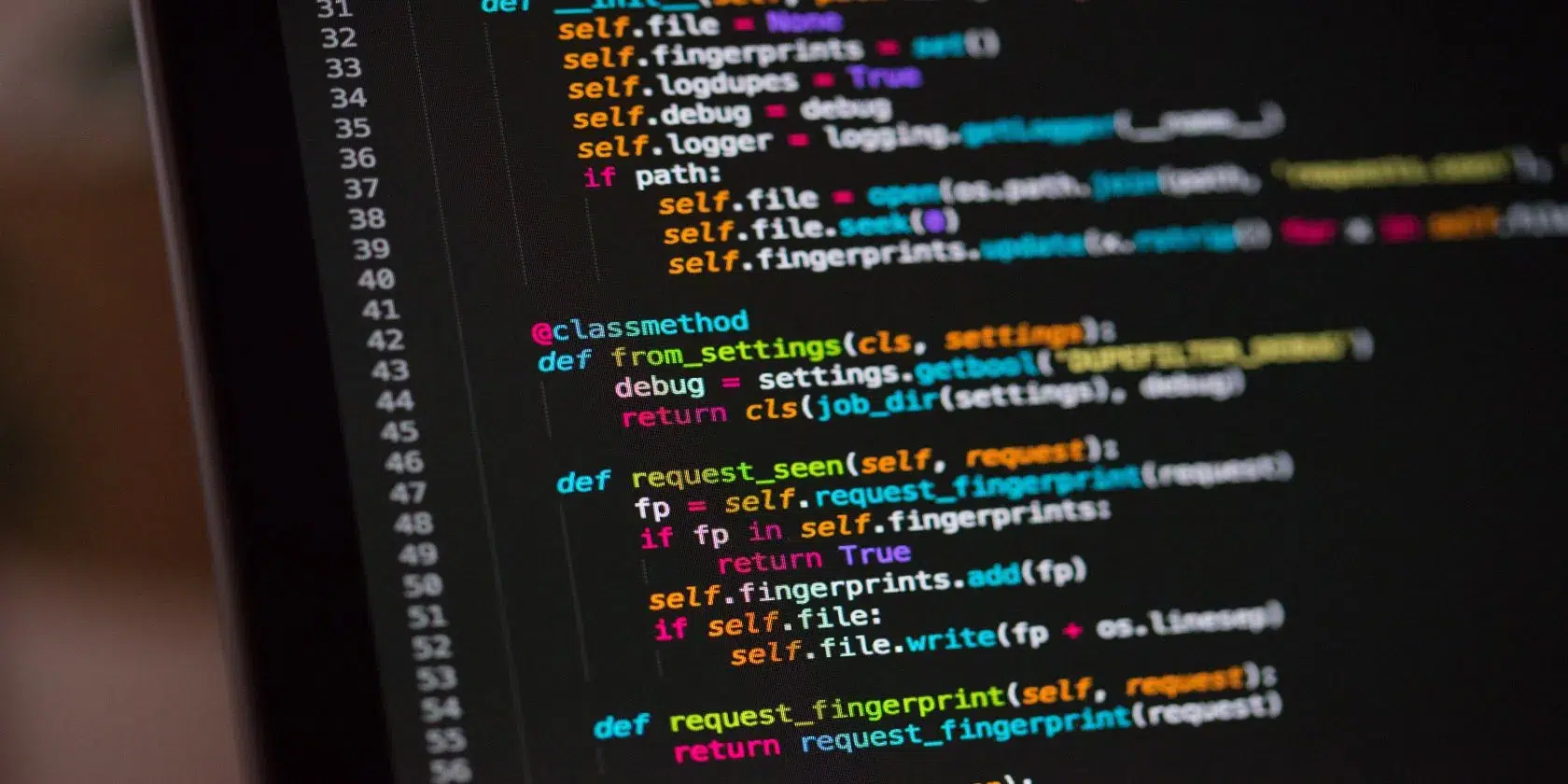
Ask the model to list the assumptions your code makes about its input, state, and environment. Many bugs are not logic errors at all. They are assumption errors: a type that arrives shaped differently than expected, a state that was presumed set, a timing order that was presumed guaranteed. One collection of debugging prompts developers rely on puts it well: surface the hidden assumptions and debugging accelerates.
When you have candidate causes, pick the cheapest one to test and run it down. Tell the model which hypothesis you are testing and what the result was. This turns the session into an investigation with a paper trail instead of a slot machine of patches.


Match the Tool to the Bug
Not every assistant fits every bug. Inline completion tools, agent-mode editors, terminal agents, and plain chatbots each have a shape they fit best. Picking the right one saves real time.
| Tool type | Best for | How you feed it | Watch out for |
|---|---|---|---|
| Inline assistant (e.g. GitHub Copilot) | Quick fixes inside familiar files, small explanations | Open file, highlight the block, short prompt | Thin project context, guesses across files |
| Agent-mode editor (e.g. Cursor) | Bugs that span several files, unfamiliar codebases | Project-wide chat, selected folders, error output | Wide edits that need your review line by line |
| Terminal agent (e.g. Claude Code) | Multi-file investigation, running tests, scripting checks | Natural language plus shell access to the repo | Autonomous runs that touch files you did not intend |
| Chatbot (web chat) | Conceptual questions, explaining an error, rubber-ducking | Pasted code plus a clear question | No repo access, answers from the paste alone |
The pattern holds across tools. For a bug confined to one function, an inline assistant is enough. For a bug that crosses the cart, payment, and order modules, reach for an agent that can read the whole project. One team debugging a React checkout issue used exactly this split: the agent traced state across files, the inline tool wrote the regression test, and a chatbot explained the odd async behavior. Each tool got a narrower job. Narrow jobs get better answers.
Modern assistants also ship with guardrails worth turning on. Inline warnings flag suspicious patterns such as missing null checks or concurrency hazards. Suggested refactoring paths show the blast radius of a change across files. In controlled environments, pairing assistants with static analyzers has reduced defects by up to 30%, according to a 2026 overview of AI-assisted coding tools. The tools scaffold. You still assemble.
Watch the Failure Modes
AI-assisted debugging fails in predictable ways. Knowing the shapes helps you catch them early.
Patch spread. The model fixes the symptom in one file and quietly changes behavior in three others. The fix passes the one test you ran and breaks the suite. Counter it with a simple rule: never accept a multi-file change without reading every diff, and run the full test suite, not just the failing test.
Cause skipping. The model jumps to a patch before naming the cause. When you ask why the fix works and the answer is thin, the cause was never found. Ask for the cause first, in plain language, before any code. A fix you cannot explain is a fix you cannot trust.
Confidence without evidence. Models state guesses as facts. “The issue is the race condition in the auth middleware” sounds certain. It may be a guess. Make the model show its work: which line, which value, which order of events. If the chain has a gap, the hypothesis is still open.
Scope creep in the fix. You asked for a minimal change and received a refactor. Tell the model the boundary up front: touch only this function, change no signatures, add no dependencies. Small diffs are reviewable diffs.
Turn Every Fix Into a Regression Test
The debugging session ends when the bug is fixed. The value lasts when the bug can never return silently. Add a regression test for every bug you fix with AI help. It takes minutes and it pays back the first time the same failure tries to sneak back in.
The test also serves as proof. It documents the exact input that broke the code and the exact output you expect now. Future you, or a teammate, reads the test and understands the bug without replaying the whole session. If you want a deeper routine for checking AI-written code before it ships, our guide on how to test AI-generated code before you ship pairs well with this workflow.
Keep a short bug journal too. One line per bug: symptom, cause, fix. After a month you will see your own patterns, and the next debugging session starts with your own data instead of the model’s guesses. For context on where AI-assisted coding fits in the bigger picture, see what vibe coding is, where it works, and where it breaks down.
A Debugging Session You Can Copy
Here is the full loop in one place. Adapt the tools to your own stack.
- Trigger the bug twice with the same input. Save the complete error and the command that produced it.
- Open one thread in your assistant of choice. State the symptom, the expected behavior, and the actual behavior.
- Paste the error, the input, and the relevant files. Ask for the three most likely causes, ranked, with a one-line test for each.
- Run the cheapest test first. Report the result. Repeat until one hypothesis survives.
- Ask for the minimal fix with a plain-language explanation of the cause. Read every line of the diff.
- Re-run the reproduction. Then run the full suite. Then add the regression test.
- Close the thread with a one-line summary for your bug journal.
Teams that automate parts of this loop get compounding returns. Running an AI review on every pull request, or keeping an always-on agent watching for known failure patterns, catches the easy bugs before a human ever opens the diff. And if slow feedback is your bottleneck rather than the bugs themselves, cutting CI time with smarter caching makes every test cycle in this loop cheaper.
Key Takeaways and Conclusion
AI coding assistants did not remove debugging skill from the job. They moved the skill one level up: from finding bugs by hand to directing an investigation with discipline. The developers who get the most from these tools share the same habits. They reproduce first. They bring evidence. They test one idea at a time. They read every diff. They lock the fix in with a test.
Pick one bug this week and run the full loop on it. Time the session. Then compare it with your last unaided debugging session. The difference is usually not the model’s brilliance. It is the process around it. Build the process once, and every assistant you use from here on gets faster with you.

Irfan is a Creative Tech Strategist and the founder of Grafisify. He spends his days testing the latest AI design tools and breaking down complex tech into actionable guides for creators. When he’s not writing, he’s experimenting with generative art or optimizing digital workflows.






 Artificial Intelligent
 Design & Creative
 Freelance
 Gadgets & Gear
 Insights
 Laptop
 Reviews
 Smartphone
 Tech Guides
 Vibe Coding





