How to Create the Perfect Coding Setup for Productivity and Comfort: 5 Secrets for Success

The Verdict: Building an efficient workspace is a non-negotiable investment in your career. Prioritizing ergonomics and lighting prevents burnout, while the right hardware accelerates workflow. Don’t settle for a temporary desk; build a sanctuary that fuels your code.
Defining the Modern Workspace
Let’s be real. Coding is an intense mental marathon. You sit, you type, you debug, and you repeat. Most developers underestimate the physical toll this takes until the back pain or eye strain becomes a daily reminder. This is why mastering how to create the perfect coding setup for productivity and comfort is the ultimate game-changer for your career. It’s not just about aesthetics; it’s about longevity. A good setup reduces cognitive load, allowing your brain to focus on the logic rather than the physical discomfort of your environment.
Understanding the Core Requirements
To truly understand how to create the perfect coding setup for productivity and comfort, you have to break it down into three pillars: ergonomics, hardware, and atmosphere. Ignoring even one of these creates a bottleneck in your workflow. The goal is seamless immersion where the technology disappears, leaving only your ideas taking shape on the screen.
The Foundation: Ergonomics That Last
When people ask how to create the perfect coding setup for productivity and comfort, the conversation almost always starts with the chair and desk. Yet, it’s often the most overlooked aspect. A standard office chair is a no-brainer for a general office, but for a developer, you need lumbar support that hugs your spine. Your feet should be flat on the floor, or on a footrest, with knees at a 90-degree angle. The desk height is equally critical; if you’re hunching over, you’re fighting physics. The ideal height allows your elbows to rest comfortably at your sides, forming a 90-degree angle when typing.
Also Read:
Moving on to the monitor, this is where the magic happens—or where the eye strain begins. You want your screen at arm’s length, with the top of the display at or slightly below eye level. This simple adjustment keeps your neck in a neutral position, preventing that dreaded “tech neck.” If you’re working with dual monitors, center them so your gaze moves naturally between them without turning your head too far left or right.

Harnessing the Power of Hardware
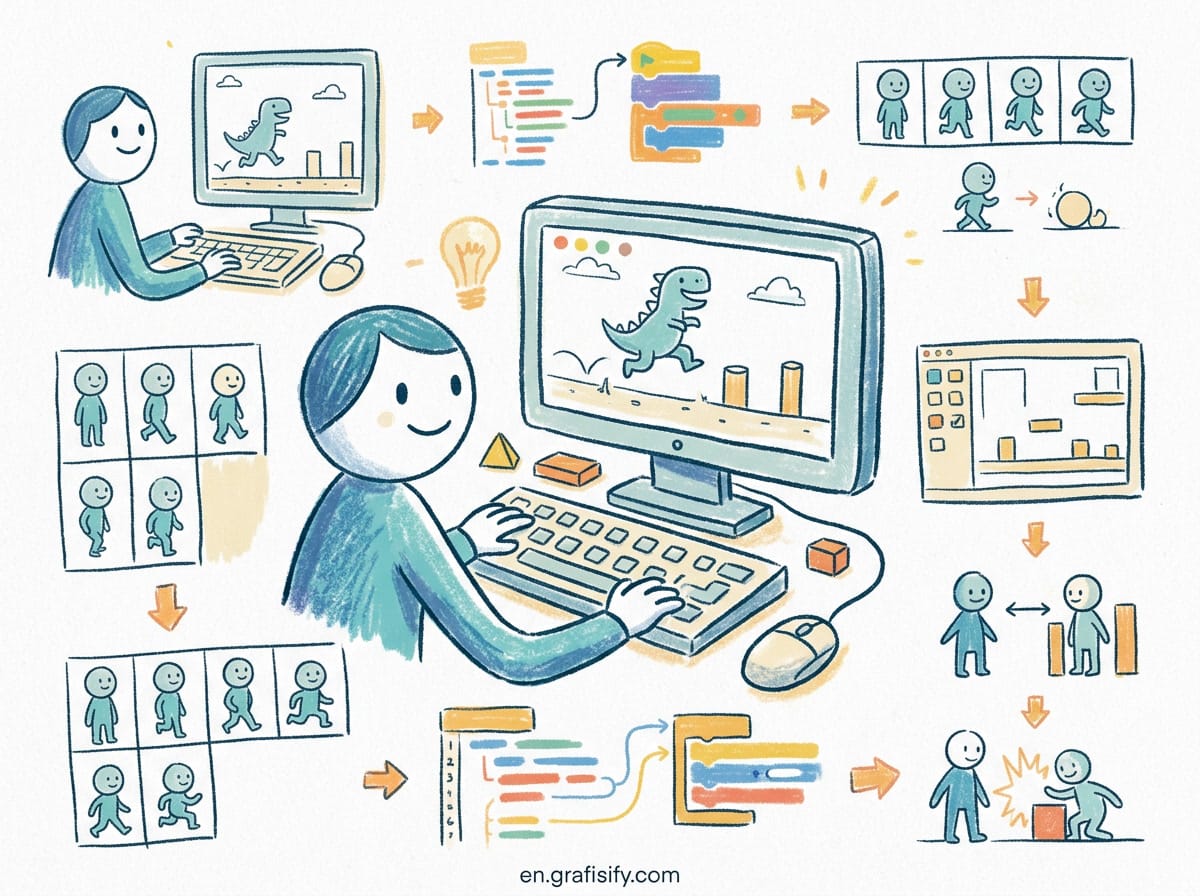
Once the body is sorted, the equipment takes the wheel. If you want to know how to create the perfect coding setup for productivity and comfort, you have to look at peripherals. A mechanical keyboard is often the first upgrade for a reason. The tactile feedback provides a satisfying rhythm to your typing, turning a mundane task into a satisfying rhythm. Look for switches that offer a balance between actuation force and travel distance—something that feels responsive but doesn’t tire your fingers out after long coding sessions.
The mouse is another critical component. Many developers prefer vertical mice to reduce wrist strain, while others swear by lightweight, high-DPI models for precision. It’s a personal choice, but comfort should dictate the decision. Combine this with a high-resolution monitor (27 inches or larger is standard now), and you get a view that makes reading code and documentation a breeze. The sheer resolution reduces the need for scrolling, keeping you in the flow state.
The Role of Connectivity and Cable Management
Clutter is the enemy of focus. A messy desk creates mental clutter. To truly execute how to create the perfect coding setup for productivity and comfort, you must embrace cable management. Whether it’s a cable tray under the desk or velcro ties, taming the wires transforms a chaotic environment into a clean, zen-like space. This visual clarity has a profound psychological effect, helping to calm the mind before a long coding session.
Software and Workflow Integration
It’s not all physical, though. The software environment plays a massive role in how to create the perfect coding setup for productivity and comfort. Your workspace in your Integrated Development Environment (IDE) should be customized. Dark mode is the default for most, but it needs to be readable, not just black on white. Adjust the contrast and font sizes to match your vision. Use extensions that streamline your workflow—tools that automate repetitive tasks, linting code in real-time, or managing your Git repositories.
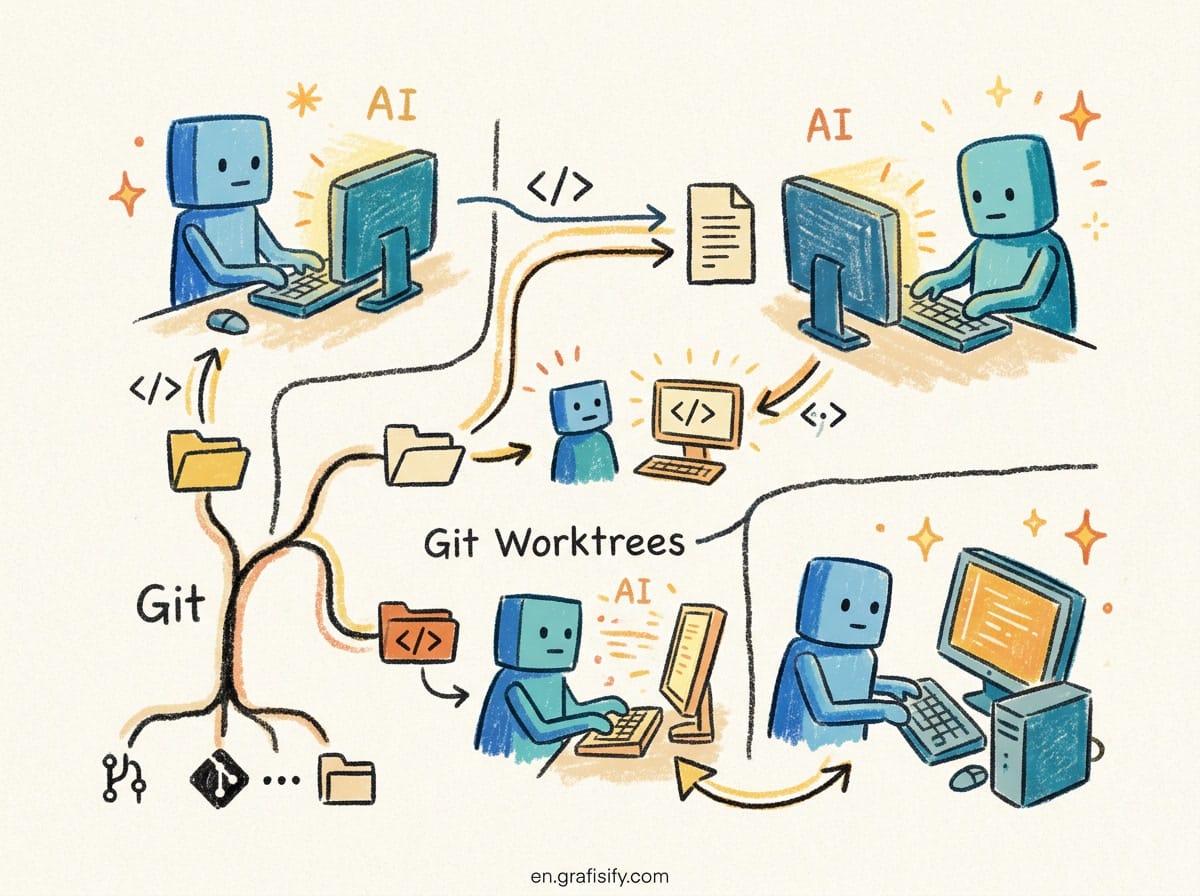
Organize your directories and files logically. A messy codebase is a reflection of a messy mind. Implementing a clean architecture from the start saves hours of debugging later. Tools like VS Code or JetBrains are powerful, but they are only as good as the configuration you put into them. Spend time tweaking your keybindings to match your muscle memory; this small optimization reduces the friction between thought and action.
The Atmosphere: Lighting and Sound
Finally, let’s talk about the vibe. Lighting is often the forgotten variable in how to create the perfect coding setup for productivity and comfort. Harsh overhead lighting can cause glare on your screen. Instead, consider using a combination of ambient lighting and a dedicated monitor backlight. This creates a “bias lighting” effect, reducing eye fatigue during long nights of debugging.
Sound is equally important. While some prefer absolute silence, others find a low volume of lo-fi music or ambient noise helps them concentrate. If you are in a shared space, noise-canceling headphones are essential. They create a physical barrier between you and the outside world, allowing you to zone in on the syntax errors and logic flows.
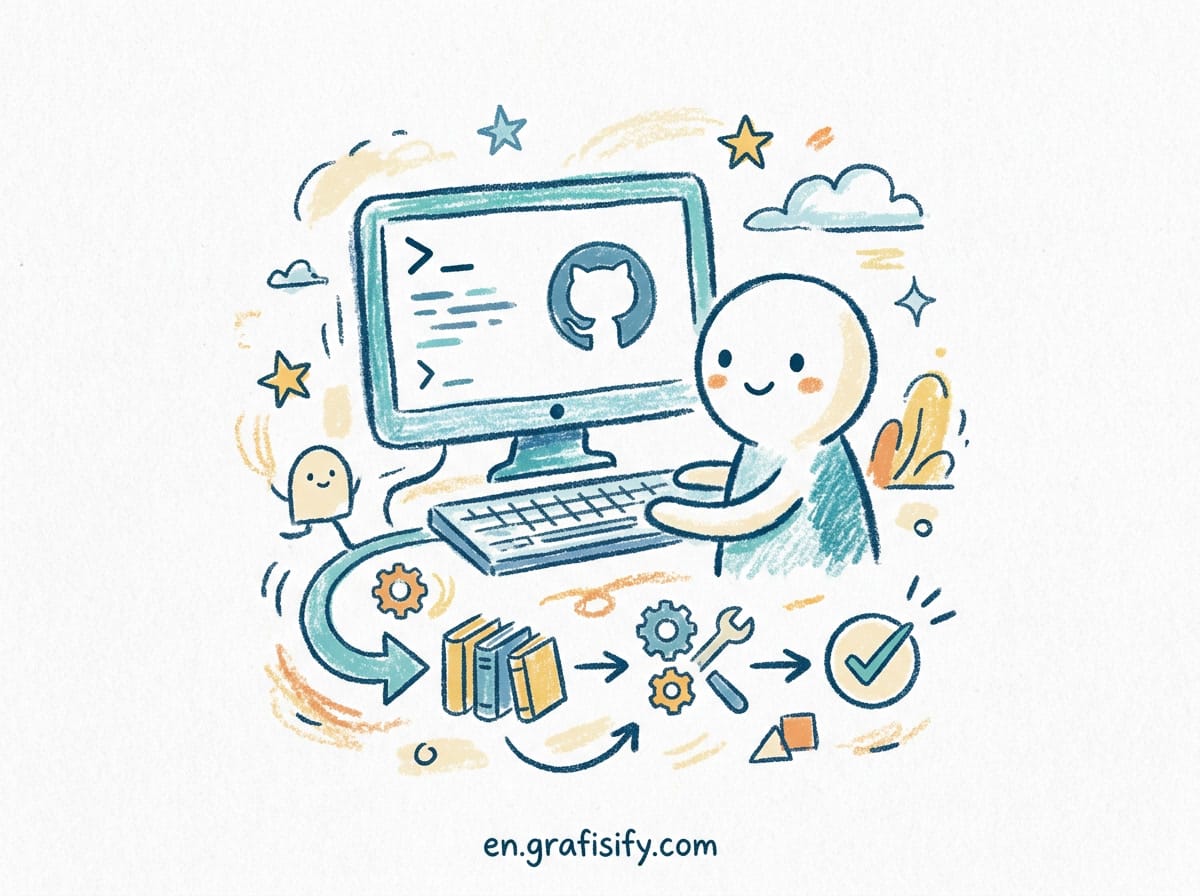
Conclusion: The Ultimate Productivity Hack
Ultimately, how to create the perfect coding setup for productivity and comfort is a continuous journey of refinement. It requires listening to your body and adapting your environment to your needs. Whether it’s investing in a standing desk to switch things up or finding the perfect chair for those marathon coding sessions, the effort pays dividends in the form of increased efficiency and reduced health risks. Don’t treat your workspace as an afterthought; treat it as the engine of your career.
Ready to take your skills to the next level? Check out our guide on BACA JUGA: Upgrade Your Vibe: Aesthetic Desk Setup Accessories for Productivity Under to continue optimizing your workflow.
Tagged with:
2026 trendscoding habitscoding setupDeveloper Toolsergonomicshardware recommendationsProductivityRemote Workworkspace designworkspace setup


 Artificial Intelligent
 Design & Creative
 Freelance
 Gadgets & Gear
 Insights
 Laptop
 Reviews
 Smartphone
 Tech Guides
 Vibe Coding