7 Strategic Steps in a Self-Taught Developer’s Roadmap to Learning Python and JavaScript

Quick Summary: This guide outlines a comprehensive, battle-tested path for aspiring coders to master Python and JavaScript without a degree. We break down the journey into actionable stages, from grasping syntax basics to deploying full-stack applications, ensuring you build a portfolio that gets you hired.
What is a Self-Taught Developer’s Roadmap?
A Self-Taught Developer’s Roadmap is a structured learning path designed for individuals mastering coding independently. It strategically sequences languages, tools, and concepts—specifically balancing backend logic with frontend interactivity—to transition a beginner from zero technical knowledge to a job-ready full-stack software engineer efficiently.

7 Strategic Steps to Master Python and JavaScript
1. Setting the Stage: Environment and Version Control
Before writing a single line of application code, you must master the tools of the trade. Many beginners rush into syntax but fail to understand where code lives. Your first step in this Self-Taught Developer’s Roadmap is setting up a proper Integrated Development Environment (IDE) like VS Code. It is the cockpit from which you will control your entire development process.
Simultaneously, you must learn Git. Git is not optional; it is the industry standard for version control. Think of it as a time machine for your code, allowing you to save checkpoints and collaborate with others. Start by learning commands like git init, git add, git commit, and git push. Understanding these early prevents disastrous data loss later in your journey.
2. Python Fundamentals: The Backend Brain
Python is often recommended as the first language for a Self-Taught Developer’s Roadmap because of its readability and English-like syntax. It allows you to focus on computer science concepts—loops, variables, functions, and data structures—without getting bogged down by complex syntax. .
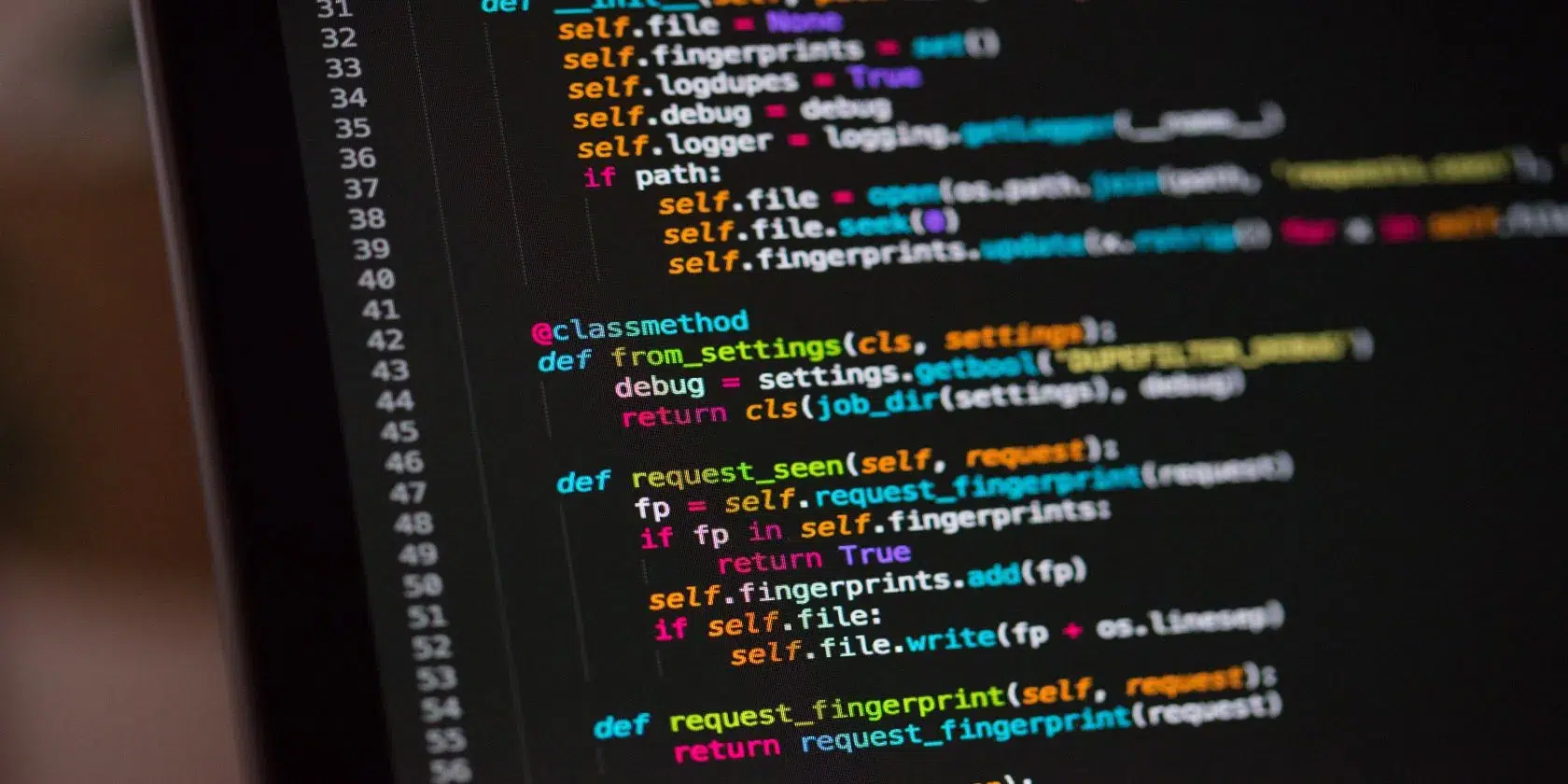
Focus on mastering core logic. Learn how to manipulate lists and dictionaries, handle errors with try/except blocks, and read/write files. Once comfortable, explore Object-Oriented Programming (OOP). Python is the powerhouse of the backend, data science, and automation, making it a versatile tool in your arsenal. For authoritative documentation, always refer to Python.org.
3. JavaScript Essentials: The Frontend Face
While Python handles the server-side logic, JavaScript is the undisputed king of the browser. To be a modern developer, you cannot ignore it. This step involves learning how JavaScript makes web pages interactive. Start with the basics: variables (let/const), arrow functions, and array methods like .map() and .filter().
Unlike Python, JavaScript runs asynchronously, which can be a hurdle for beginners. Dedicate time to understanding the event loop, Promises, and Async/Await syntax. This knowledge is crucial for fetching data from APIs and updating the User Interface (UI) without reloading the page. The MDN Web Docs are the gold standard resource for this.

4. DOM Manipulation and Connecting the Dots
Now that you know the syntax of both languages, step four connects them to the user. The Document Object Model (DOM) is the bridge between your JavaScript code and the HTML/CSS visible to the user. You need to learn how to select elements, listen for clicks, and dynamically change content on the page.
This is where your Self-Taught Developer’s Roadmap starts to feel “real.” Build small tools—a calculator, a to-do list, or a weather widget. Use JavaScript to fetch data (perhaps from a mock Python backend) and display it. This interaction creates the foundation of Full Stack development.
5. Frameworks: Django vs. React
Raw languages are powerful, but modern development relies on frameworks to save time. For Python, dive into a backend framework like Django or Flask. Django is “batteries-included” and great for robust applications, while Flask offers more flexibility. Pick one and learn how to create routes and serve APIs.
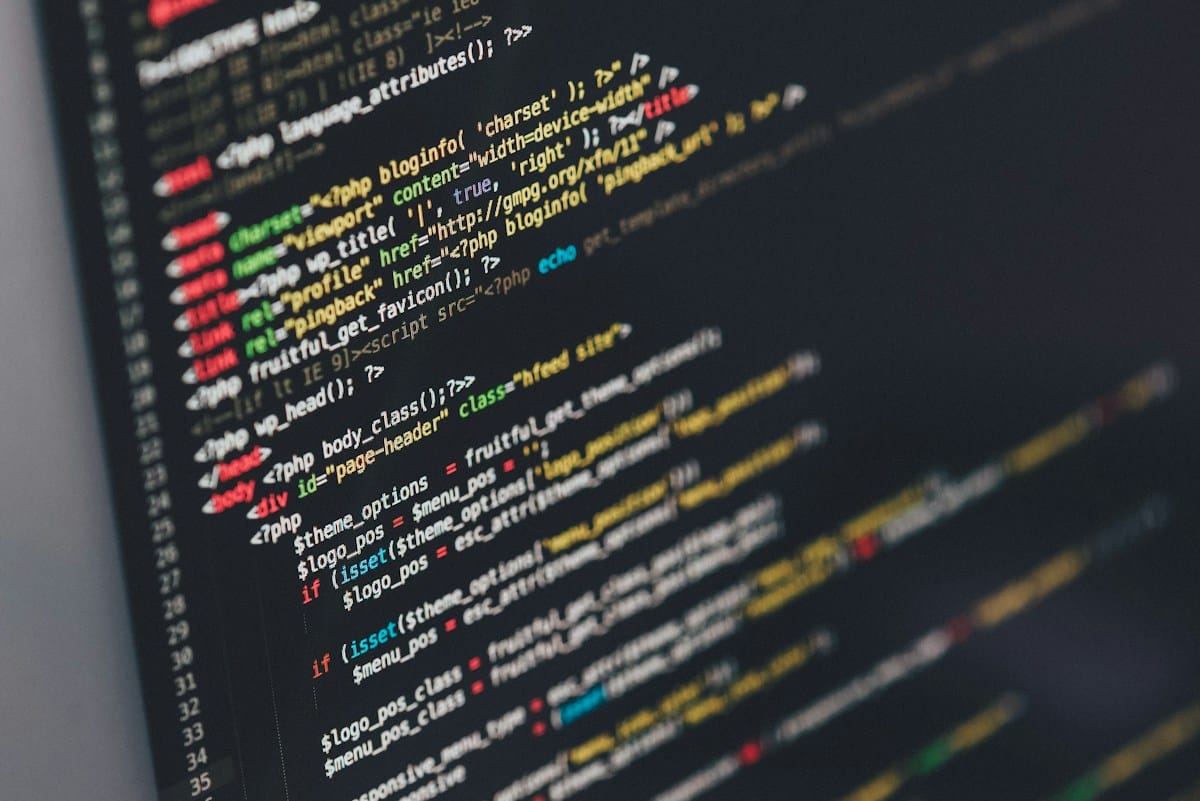
On the JavaScript side, the industry standard is React (though Vue and Angular are valid choices). React allows you to build reusable UI components. This step involves a steep learning curve, but mastering a frontend library is often the key differentiator in landing your first job.
6. Databases and Deployment
Your application needs a memory. Learn SQL (Structured Query Language) to interact with databases. Python plays nicely with PostgreSQL and SQLite. Understanding how to model data—create tables, relationships, and queries—is a non-negotiable skill for a professional developer.
Furthermore, code that only runs on your laptop is useless to the world. Learn the basics of deployment. Platforms like Heroku, Vercel, or Render make this easier. Pushing your local Python/JavaScript project to a live server is a major milestone in your Self-Taught Developer’s Roadmap.
7. The Capstone Project and Portfolio
The final step is proving your skills. Tutorials are great, but employers hire based on proof. Build a comprehensive Capstone Project that utilizes everything you’ve learned: a Python backend, a database, and a React frontend. Read our related guide on building portfolio projects that stand out.
Host this code on GitHub with a clean README file. Your portfolio shouldn’t just be a list of links; it should tell the story of your development journey. This tangible evidence of your ability to solve problems is what ultimately bridges the gap between self-taught and employed.
Overcoming “Tutorial Hell” and Stagnation
One of the biggest traps in any Self-Taught Developer’s Roadmap is “Tutorial Hell”—endlessly watching coding videos without building anything yourself. The dopamine hit of finishing a video feels like progress, but it isn’t practice.
To escape this, adopt the “Build-First” approach. Start a project before you feel ready. When you get stuck, look up the specific solution, implement it, and move on. This mimics the actual day-to-day life of a software engineer. Active recall and troubleshooting are far superior teachers than passive watching.

Pros & Cons of Being Self-Taught
✅ The Good
- Complete control over your learning pace and curriculum.
- Zero tuition debt compared to traditional CS degrees.
- demonstrates high self-discipline and problem-solving drive to employers.
❌ The Bad
- High risk of “Imposter Syndrome” and isolation.
- Lack of structured mentorship or peer code reviews.
- Can be difficult to filter outdated or bad resources.
Final Thoughts
Embarking on a Self-Taught Developer’s Roadmap to learn Python and JavaScript is a marathon, not a sprint. It requires consistency, curiosity, and a high tolerance for frustration. However, the reward is a career built on your own terms, armed with two of the most powerful languages in the tech industry.
Don’t wait for the “perfect” time to start. Install Python, open your console, and write your first function today. The only bad code is the code that never gets written.
Internal SEO Notes (Rank Math)
Target Focus Keyword:
Tags:
Slug:
Meta Title: 7 Strategic Steps in a Self-Taught Developer’s Roadmap to Learning Python and JavaScript
Image Alt Text Suggestions: “Roadmap flowchart for Python and JavaScript learning”, “Developer working on dual monitor setup”, “Code snippet comparison of Python vs JavaScript”
Tagged with:
Career AdviceCodingEducationFull StackJavaScriptProgrammingPythonSelf-TaughtTech CareerWeb Development
Irfan is a Creative Tech Strategist and the founder of Grafisify. He spends his days testing the latest AI design tools and breaking down complex tech into actionable guides for creators. When he’s not writing, he’s experimenting with generative art or optimizing digital workflows.






 Artificial Intelligent
 Design & Creative
 Freelance
 Gadgets & Gear
 Insights
 Laptop
 Reviews
 Smartphone
 Tech Guides
 Vibe Coding