Google AntiGravity Review: Why the Era of ‘Just Autocomplete’ is Dead and Buried

Let’s be honest for a second. The novelty of AI coding assistants has started to wear off. We’ve all been there: you ask your chatbot to scaffold a React component, it spits out code that looks perfect, but when you paste it into your IDE, it hallucinates an import from a library that hasn’t existed since 2019.
We’ve been stuck in the “Copilot era”—glorified autocomplete that’s helpful, sure, but ultimately passive. It waits for you to drive.
Enter Google AntiGravity.
If the whispers from Mountain View and the early access reviews are anything to go by, Google isn’t just trying to catch up to Cursor or GitHub Copilot; they are trying to redefine the physics of software development entirely. This isn’t just about suggesting the next line of code. It’s about an agentic IDE that understands the weight of your entire project, the gravity of your architectural decisions, and the friction of deployment.
I’ve spent the last 15 years covering the rise and fall of dev tools, from the early days of Sublime Text to the hegemony of VS Code. Here is the brutal truth about Google AntiGravity: it’s the most ambitious swing Google has taken at the developer market in a decade, and it might just change everything.
The Core Story: It’s Not a Chatbot, It’s a Coworker
To understand AntiGravity, you have to unlearn the “chat in the sidebar” mental model. Most AI coding tools today function like a very smart intern sitting next to you who has memorized Stack Overflow but has never actually built a production app. They lack context.

AntiGravity is built on the premise of Agentic Architecture. When you open a repository in AntiGravity, the AI doesn’t just read the file you have open; it ingests the entire graph of your project. It understands how your utils folder interacts with your API routes. It knows that if you change a database schema in schema.prisma, it needs to update the types in your frontend components.
“The difference between Copilot and AntiGravity is the difference between a spellchecker and a ghostwriter. One fixes your typos; the other helps you plot the novel.”
The “Gravity” of Context
The name “AntiGravity” is clever marketing, but it refers to a specific technical breakthrough. In legacy development, the “gravity” is the technical debt and cognitive load required to maintain a mental model of a complex codebase. As codebases grow, that gravity increases, slowing developers down.
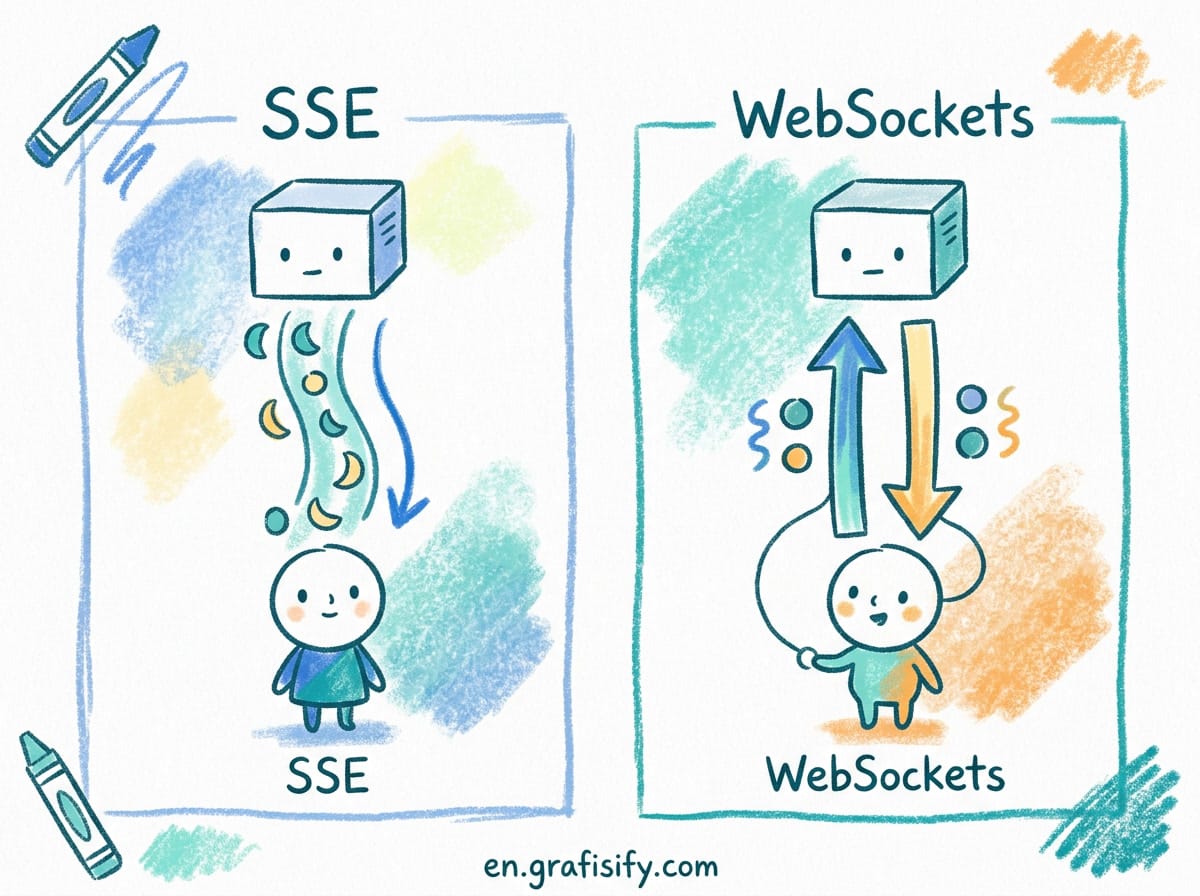
Google’s new engine aims to neutralize that weight. By utilizing the massive context window of Gemini 2.0 (the engine humming under the hood), AntiGravity creates a persistent, evolving understanding of your codebase. It doesn’t hallucinate variables because it can “see” where they are defined three directories up.
Key Features Driving the Hype:
- Full-Stack Awareness: Unlike standard autocomplete which looks at the cursor’s vicinity, AntiGravity analyzes the dependency tree. If you are writing a frontend fetch request, it knows exactly what the backend endpoint expects.
- Proactive Refactoring: It doesn’t just wait for prompts. It highlights potential bottlenecks or deprecated patterns in real-time, functioning more like a senior engineer doing a code review than a linter.
- The “Holistic” Diff: When the agent makes changes, it doesn’t just show you a line change. It shows you the ripple effect across the entire application, allowing for multi-file edits that actually compile.
Context & Background: Why Now?
To understand why this is a big deal, we have to look at the battlefield. For the last two years, Microsoft (via GitHub and OpenAI) has owned the developer experience. VS Code is the de facto standard, and Copilot is the default subscription.
However, cracks have appeared in the Microsoft monopoly. A startup called Cursor shocked the industry by forking VS Code and integrating AI deeply into the editor itself, rather than just as a plugin. Developers flocked to it because it felt faster and smarter.

Google has been watching this from the sidelines. Their previous attempt, Project IDX, was an interesting browser-based experiment, but it didn’t pull people away from their local environments. AntiGravity seems to be the lesson learned from IDX.
The Gemini Advantage
The timing aligns with the maturation of Google’s Gemini models. While GPT-4 is powerful, Google has been optimizing Gemini specifically for long-context retrieval. Coding is arguably the best use case for massive context windows. You don’t want an AI to summarize a book; you want it to remember a variable name defined in a config file 5,000 lines ago. This is where Google’s infrastructure gives them a distinctive edge over the OpenAI-wrapper ecosystem.
Expert Analysis: The Trust Gap
Despite the glossy marketing and the impressive tech demos, there is an elephant in the room: Trust.
I read a poignant analysis on Medium recently regarding AntiGravity that hit the nail on the head: “Web Devs Don’t Trust AI.” And they are right. Experienced engineers have been burned too many times by AI that generates subtly broken code—security vulnerabilities disguised as elegant solutions.
For AntiGravity to succeed, it has to overcome the “Junior Dev Syndrome.” When a Junior Dev (or an AI) writes code, a Senior Dev still has to review it. If the review takes longer than writing the code from scratch, the tool is useless.
“The metric that matters isn’t ‘lines of code generated.’ It’s ‘time to commit.’ If I have to spend 20 minutes debugging the AI’s logic, I might as well have written it myself.”
The Latency Question
Another critical factor is speed. One of the reasons Cursor took off is that it feels instantaneous. Google’s cloud infrastructure is second to none, but if AntiGravity relies heavily on cloud-based inference for every keystroke, latency could be a killer. US-based developers with gigabit fiber might be fine, but what about the digital nomad in Bali or the engineer on a spotty connection?
However, early reports suggest a hybrid model—small, on-device models handling immediate syntax, with the heavy lifting sent to the cloud for architectural reasoning. If Google pulls off this balancing act, they solve the latency issue.
The Bottom Line: Is It a Cursor Killer?
So, is AntiGravity ready to replace your VS Code setup?
Here is the verdict: If you are deeply embedded in the Google Cloud ecosystem, this is a no-brainer. The integration with Firebase, Cloud Run, and Google’s internal tooling is likely going to be seamless, reducing the “friction” of DevOps to near zero.
For the generalist developer, AntiGravity represents the first real challenge to the VS Code hegemony. It moves the goalposts from “helping you write code” to “helping you build products.”
Future Outlook: The Agentic Era
We are witnessing the death of “Chat-based Coding” and the birth of “Agentic Development.”
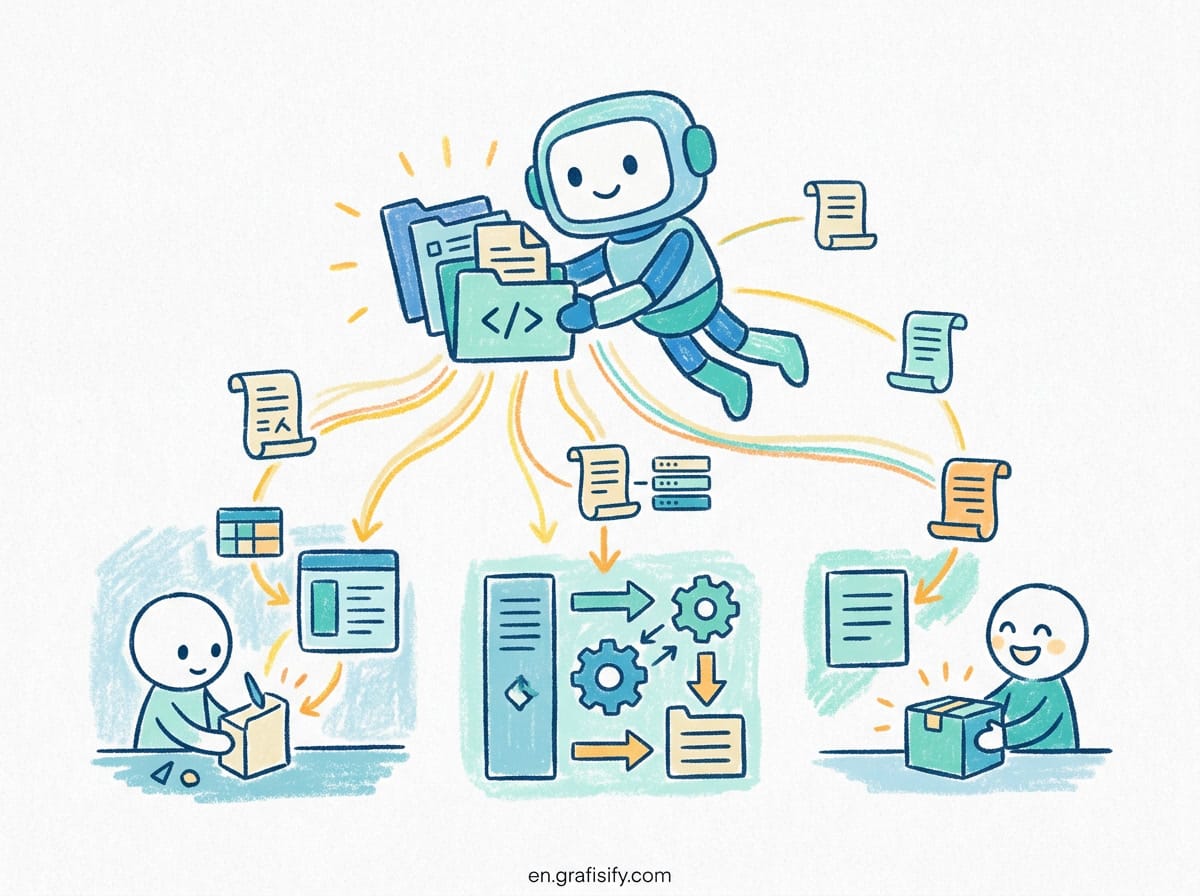
In the next 12 to 18 months, we won’t be impressed by an AI writing a function. We will expect the IDE to set up the environment, install dependencies, write the tests, and deploy the staging branch. AntiGravity is Google’s stake in the ground that they intend to own this future.
The tools are getting sharper. The gravity of legacy code is getting lighter. The only question left is: are you ready to let go of the wheel and let the agent drive?
Tagged with:
Agentic AIAI IDECoding AssistantsCursor Alternativefuture of codingGeminiGoogle AntiGravitysoftware developmentTech ReviewWeb Development
Irfan is a Creative Tech Strategist and the founder of Grafisify. He spends his days testing the latest AI design tools and breaking down complex tech into actionable guides for creators. When he’s not writing, he’s experimenting with generative art or optimizing digital workflows.
You might also like



 Artificial Intelligent
 Design & Creative
 Freelance
 Gadgets & Gear
 Insights
 Laptop
 Reviews
 Smartphone
 Tech Guides
 Vibe Coding