Review Lenovo ThinkPad X1 Carbon Gen 9 (Used/Refurbished): Is the Former King Still Worth Buying in 2026?

Calling all members of the “ThinkPad Sect”—this one is for you. In the vast ocean of used laptops and Japanese imports (“Limbah Jepang”) flooding the market in 2026, one name stands out as the holy grail of value: the Lenovo ThinkPad X1 Carbon Gen 9. Once a $2,000+ flagship beyond the reach of mere mortals, this ultrabook is now available at a fraction of the cost. But does the Intel 11th Gen processor hold up for modern workflows, or is it just nostalgia wrapped in carbon fiber?
As the Editor-in-Chief at en.rafisify.com, I have tested dozens of refurbished units. This review will determine if the X1 Carbon Gen 9 is the ultimate bargain for students, programmers, and writers in 2026, or if you should save your money for a newer consumer-grade laptop.
Technical Specifications
| Feature | Specification |
|---|---|
| Processor (CPU) | Intel Core i5-1135G7 / i7-1165G7 (4 Cores, 8 Threads) |
| Graphics (GPU) | Intel Iris Xe Graphics (Integrated) |
| RAM | 8GB / 16GB / 32GB LPDDR4x-4266 (Soldered) |
| Storage | 256GB – 1TB PCIe NVMe SSD (Upgradable) |
| Display | 14″ WUXGA (1920 x 1200) IPS, 16:10 Aspect Ratio, 100% sRGB |
| Battery | 57Wh (Supports Rapid Charge) |
| Weight | Approx. 1.13 kg (2.49 lbs) |
| Market Price (Used 2025) | ~$400 – $600 USD (Varies by region/condition) |
Design & Build Quality: The Gold Standard
The ThinkPad X1 Carbon series is legendary for a reason. The Gen 9 continues the tradition with a chassis made of carbon fiber and magnesium alloy. Holding it feels surreal; at just 1.13 kg, it is lighter than a MacBook Air yet feels significantly more durable. The matte black “soft-touch” finish is luxurious, though I must warn you—it is a magnet for fingerprints.
Durability is top-tier. The hinge is smooth and opens a full 180 degrees, perfect for collaborative work or presenting on a flat table. Unlike cheap consumer laptops that flex when you press the keyboard, the X1 Carbon Gen 9 is rigid and solid. It is built to survive being thrown into a backpack daily without a second thought.
Also Read:
Display & Audio: The 16:10 Revolution
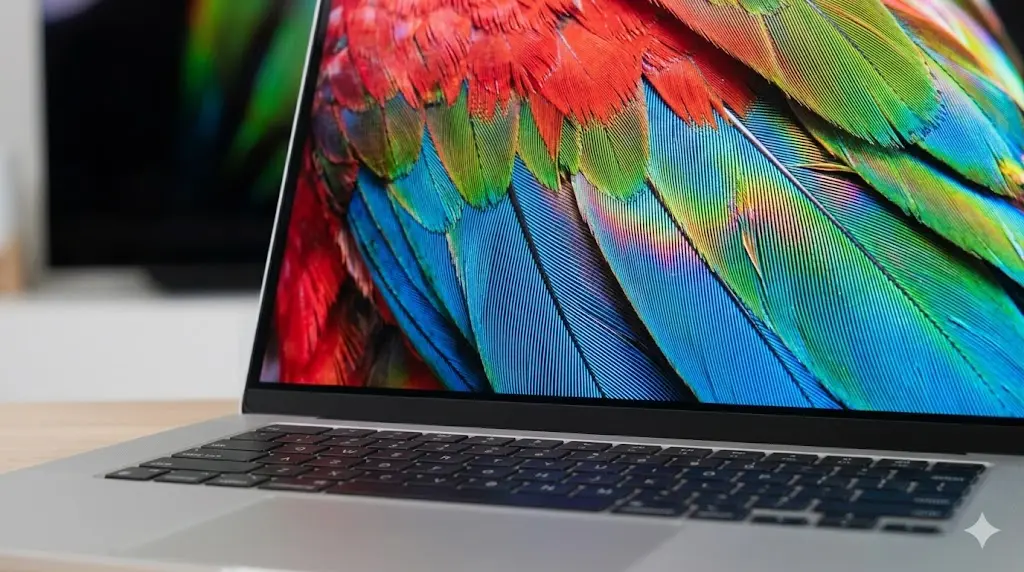
This is where the Gen 9 separates itself from its predecessors (Gen 7 and Gen 8). Lenovo finally switched to a 16:10 aspect ratio. While it sounds like a small technical change, the extra vertical screen real estate is a game-changer for productivity. You can see more lines of code, more rows in Excel, and more text in a Word document without scrolling.
Display Quality: Most used units come with the base 1200p IPS panel. It covers 100% sRGB and hits about 400 nits of brightness. Colors are accurate and vibrant enough for photo editing and media consumption.
Audio: I was pleasantly surprised. The quad-speaker setup (two top-firing, two bottom-firing) provides full-bodied sound with clear vocals. It won’t replace your Bluetooth speaker, but it’s leaps and bounds ahead of the tinny speakers found on typical business laptops.

> Note from the Grafisify Team: When buying used, always check the screen for “white spots” or pressure marks, which are common in second-hand corporate laptops.
Keyboard, Touchpad & Webcam
Keyboard: This is a controversial topic for ThinkPad purists. The Gen 9 reduced the key travel to 1.5mm (down from the deep 1.8mm of older models). Is it bad? Absolutely not. It is still tactile, crisp, and arguably the best keyboard on any ultrabook in 2026. Typing for hours feels effortless. And yes, the iconic red TrackPoint nub is there for those who refuse to use a mouse.
Touchpad: The glass touchpad is wider than previous generations, offering a smooth glide and responsive multi-touch gestures. The physical buttons above the trackpad remain, serving TrackPoint users perfectly.
Webcam: Depending on the specific SKU you find, you might get a 720p or 1080p camera. Most come with a Privacy Shutter—a physical switch to block the lens. It’s functional for Zoom calls, but don’t expect streamer-quality visuals.
Connectivity & Ports (I/O)
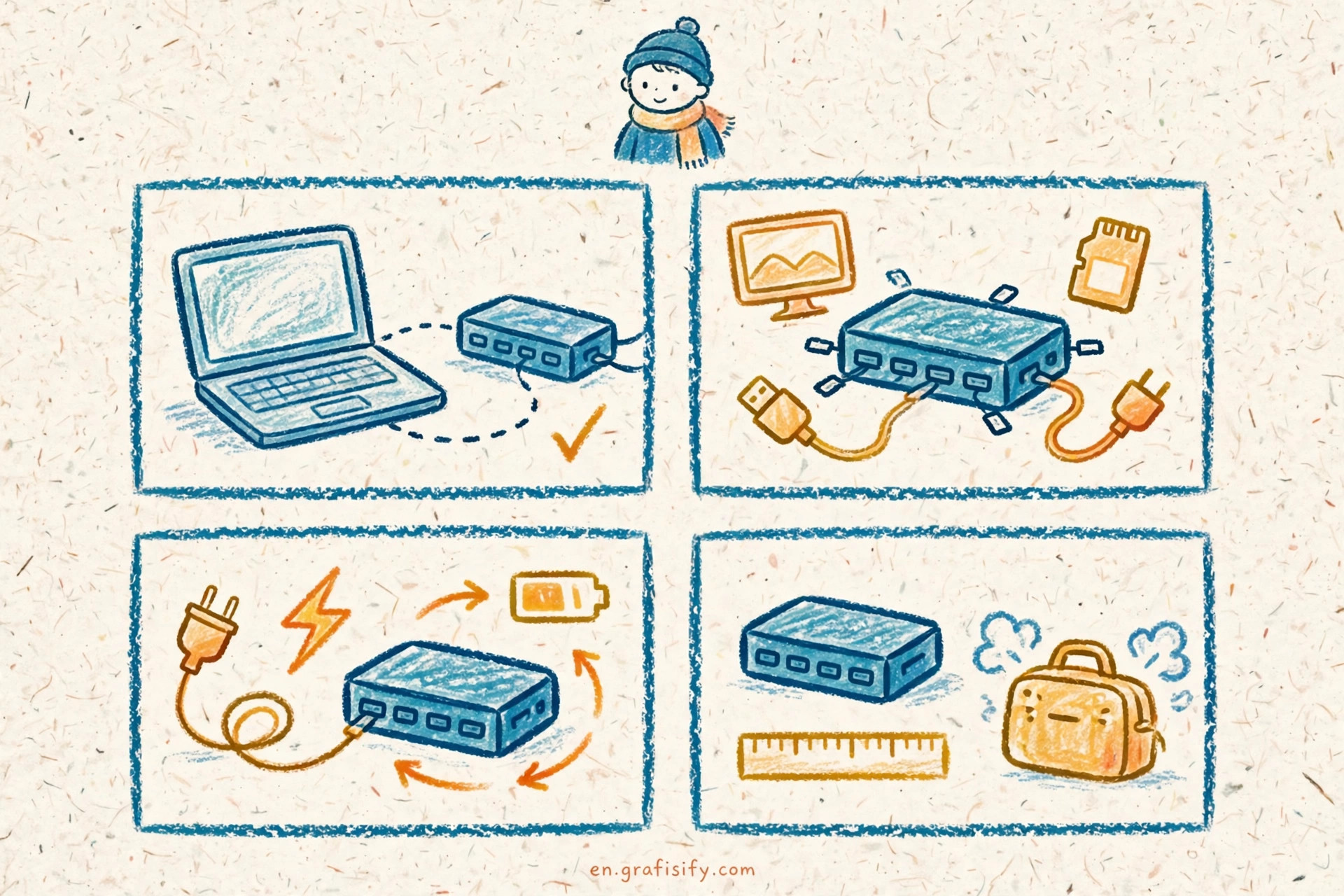
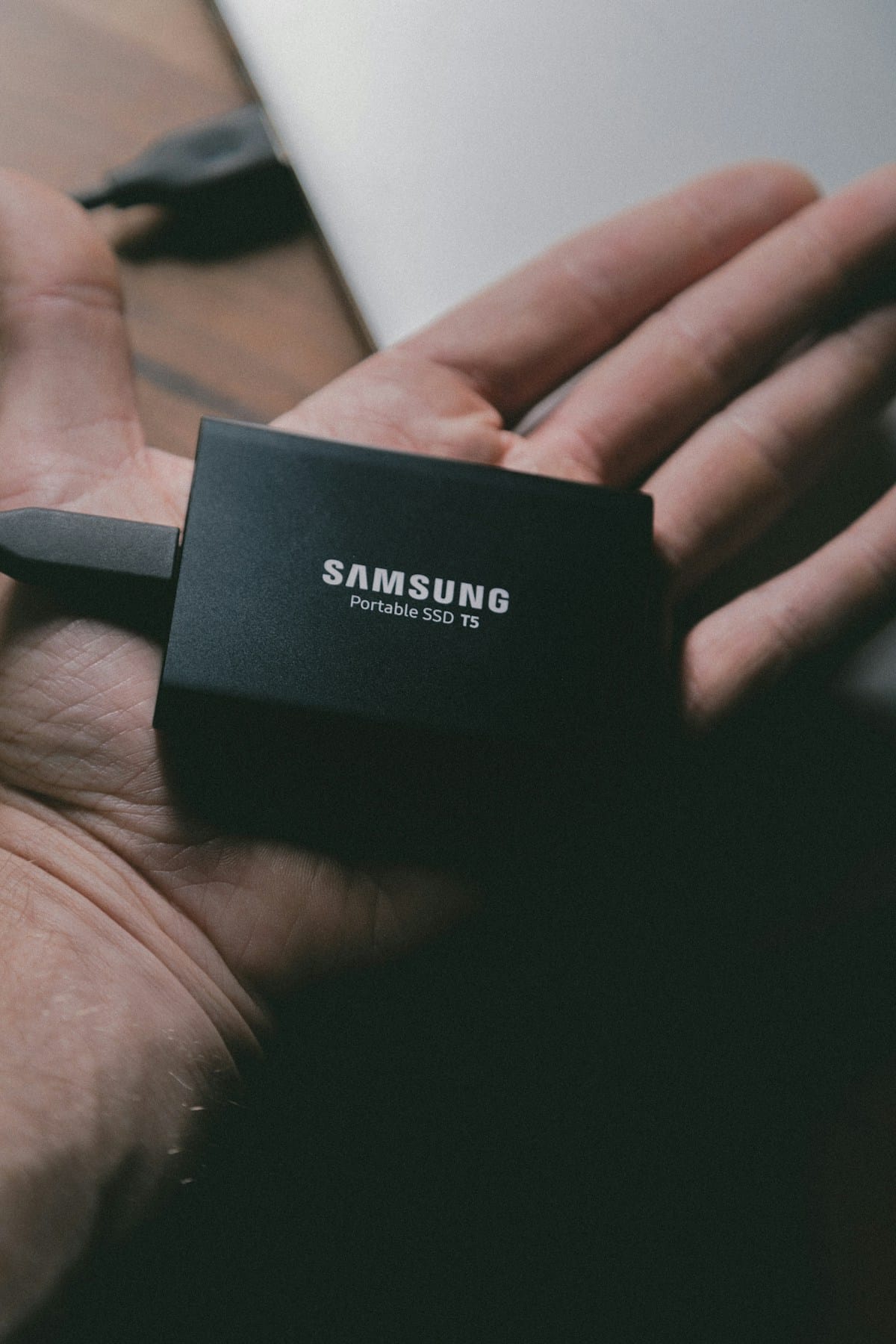
In an era where laptops are losing ports, the X1 Carbon Gen 9 remains practical. It features:
- 2x Thunderbolt 4 (USB-C) – Supports PD Charging and high-speed data.
- 2x USB-A 3.2 Gen 1 – Crucial for legacy mice and flash drives.
- 1x HDMI 2.0 – For connecting to monitors or projectors.
- 1x Headphone / mic combo.
Having two Thunderbolt 4 ports ensures this laptop is “future-proof” for years to come, allowing you to use modern docks and eGPUs if needed.
Performance & Temperature: Still Capable in 2026?
Office & Productivity: The Intel Core i5 or i7 Gen 11 processors are still very capable workhorses. For browsing with 20+ Chrome tabs, editing heavy documents, or basic coding (Python, Web Dev), the system feels snappy. The NVMe SSD ensures boot times are nearly instant.
Creative Work: The Intel Iris Xe graphics are a significant step up from older integrated graphics. You can handle light 1080p video editing in Premiere Pro or basic design in Photoshop/Canva without issues. However, don’t expect to play AAA games or do heavy 3D rendering here.
Temperature: This is a thin laptop, and physics still applies. Under heavy load, the fan kicks in and can be audible (though not jet-engine loud). The bottom chassis can get warm, so I recommend using it on a desk rather than your lap during intensive tasks.
Upgradability: The Critical Compromise
Before you pull the trigger, you need to know this: The RAM is soldered (Onboard).
If you buy a model with 8GB of RAM, you are stuck with 8GB forever. In 2026, I strongly recommend hunting for a unit with 16GB of RAM minimum. 8GB is becoming a bottleneck for modern multitasking. The SSD, thankfully, is a standard M.2 slot and is fully user-upgradable if you need more storage space.
Battery & Charger
When new, the X1 Carbon Gen 9 boasted “all-day battery life.” Buying used in 2026 means you should expect battery health to be around 80-90%. In my testing of a refurbished unit, I got about 6 to 7 hours of real-world use (brightness at 60%, WiFi on). It charges via a compact USB-C charger (usually 65W), which is convenient as you can likely use the same charger for your phone and laptop.
Pros & Cons
- PRO: Exceptional Build Quality (Mil-Spec tested).
- PRO: 16:10 Display is perfect for productivity.
- PRO: Best-in-class Keyboard and connectivity (Thunderbolt 4).
- PRO: Extremely lightweight (1.13 kg).
- CON: RAM is soldered and cannot be upgraded.
- CON: Rubberized finish attracts fingerprints easily.
- CON: Can run warm under heavy loads.
Competitor Head-to-Head
Vs. Dell XPS 13 (9310): The Dell XPS has a slightly brighter, “borderless” screen and a more futuristic design. However, the ThinkPad beats it on port selection (the XPS lacks USB-A) and keyboard comfort. If you type a lot, pick the ThinkPad.
Vs. MacBook Air M1 (Used): This is the toughest rival. The M1 chip is more efficient, runs cooler, and has better battery life. However, the ThinkPad X1 Carbon is lighter, supports more external monitors natively, and runs Windows (crucial for certain legacy business apps). If you need Windows, the X1 Carbon Gen 9 is the best alternative to the Air.
FAQ: Frequently Asked Questions
Q: Does the ThinkPad X1 Carbon Gen 9 officially support Windows 11?
A: Yes, it fully supports Windows 11 as it has the TPM 2.0 chip and 11th Gen Intel CPUs.
Q: Can I use this laptop for gaming?
A: Only for light esports titles like League of Legends or Valorant on low settings. It is not designed for gaming.
Q: Is 8GB of RAM enough in 2026?
A: For basic browsing and typing, yes. But for multitasking or future-proofing, I highly recommend finding a 16GB model.
Conclusion:
The Lenovo ThinkPad X1 Carbon Gen 9 is, without a doubt, one of the best value-for-money laptops on the used market in 2026. It offers a premium experience—lightweight chassis, excellent screen, and superb keyboard—at a budget price point.
It is highly recommended for university students, writers, and programmers who need a reliable, portable machine that feels expensive but isn’t. Just make sure to verify the battery health and opt for the 16GB RAM model to ensure it lasts you another 3-4 years.
Tagged with:
GrafisifyLaptop ReviewLenovoLimbah JepangRefurbishedTech ReviewThinkPadUltrabookUsed LaptopX1 Carbon
Irfan is a Creative Tech Strategist and the founder of Grafisify. He spends his days testing the latest AI design tools and breaking down complex tech into actionable guides for creators. When he’s not writing, he’s experimenting with generative art or optimizing digital workflows.

 Artificial Intelligent
 Design & Creative
 Freelance
 Gadgets & Gear
 Insights
 Laptop
 Reviews
 Smartphone
 Tech Guides
 Vibe Coding