7 Proven Digital Security Strategies to Safeguard Your Personal Data
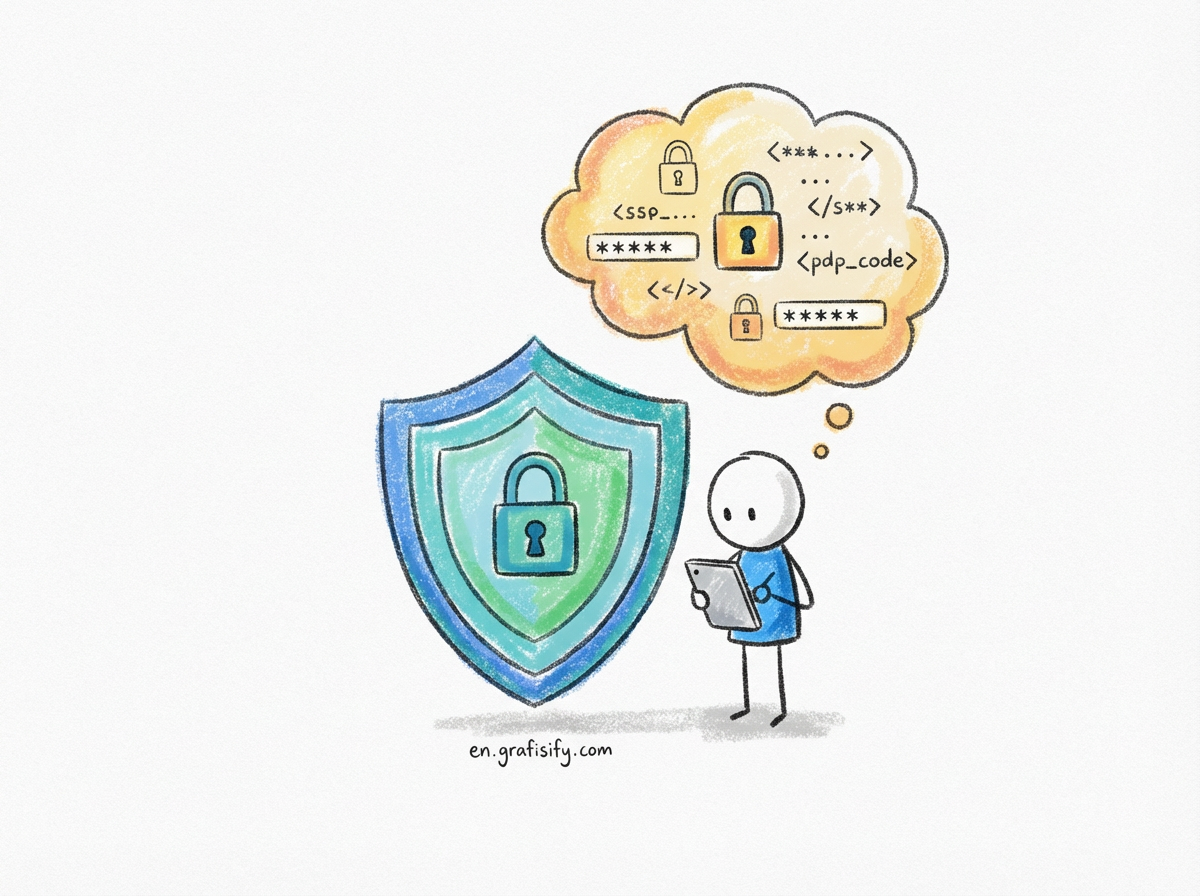
Quick Summary: In a landscape riddled with data breaches and sophisticated phishing attacks, basic hygiene isn’t enough. This guide explores the “Holy Trinity” of modern protection—Password Managers, 2FA, and Passkeys—and provides actionable steps to lock down your online life without sacrificing convenience. Read on to transform your digital fortress from flimsy to formidable.
What is Digital Security?
Digital security refers to the collective tools, protocols, and habits designed to protect your online identity, data, and computing devices from unauthorized access and cyber threats. It involves implementing layered defenses—such as encryption, multi-factor authentication, and secure network practices—to ensure the confidentiality and integrity of your digital assets.

7 Essential Steps to Fortify Your Digital Presence
1. Outsource Your Memory to a Password Manager
The days of memorizing variations of “Password123!” are over. The cornerstone of robust digital security is unique, complex passwords for every single account you own. A password manager acts as an encrypted vault, generating and storing 20-character random strings that even a supercomputer would struggle to crack. By using one, you eliminate the single biggest vulnerability in personal tech: password reuse.
Many users hesitate because they fear putting “all their eggs in one basket.” However, reputable managers utilize zero-knowledge architecture, meaning they cannot see your data even if they wanted to. Your master password decrypts the data locally on your device. For a deeper dive into how encryption protects your vault, you can read about password management mechanics on Wikipedia.
Transitioning is easier than you think. Start by installing the browser extension, importing your browser-saved passwords, and then systematically changing the passwords for your critical accounts (email, banking, social media) to generated gibberish. It’s the highest ROI action you can take for your security posture.
2. Layer Up with Two-Factor Authentication (2FA)
If a password is your front door lock, Two-Factor Authentication (2FA) is the deadbolt. Even if a hacker manages to snag your credentials from a dark web dump, 2FA ensures they cannot access your account without a second form of verification. This step is non-negotiable for any account that holds sensitive data or payment information.
However, not all 2FA is created equal. While SMS codes are better than nothing, they are susceptible to SIM-swapping attacks. Whenever possible, opt for an authenticator app (like Google Authenticator or Authy) or, for the highest level of digital security, a hardware security key like a YubiKey. These physical keys make remote attacks virtually impossible.
3. Adopt Passkeys for a Passwordless Future
Passkeys are the newest evolution in authentication, designed to replace passwords entirely. Instead of a shared secret (a password you type into a server), passkeys use public-key cryptography. Your device (phone or laptop) stores a private key, and the website holds a public key. Verification happens via your device’s biometrics—FaceID or TouchID—proving you are you without ever transmitting a code.
This technology renders phishing sites useless because there is no password to steal. Major platforms like Google, Apple, and Amazon are rolling this out aggressively. Enabling passkeys where available simplifies your login process while drastically increasing your security resilience.
4. Audit Your Digital Footprint Regularly
You cannot protect what you don’t know exists. Over the years, we all accumulate “zombie accounts”—old forums, newsletters, or shopping sites we used once and forgot. These dormant accounts are often the weak links that get compromised, leaking your email and personal details to data brokers.
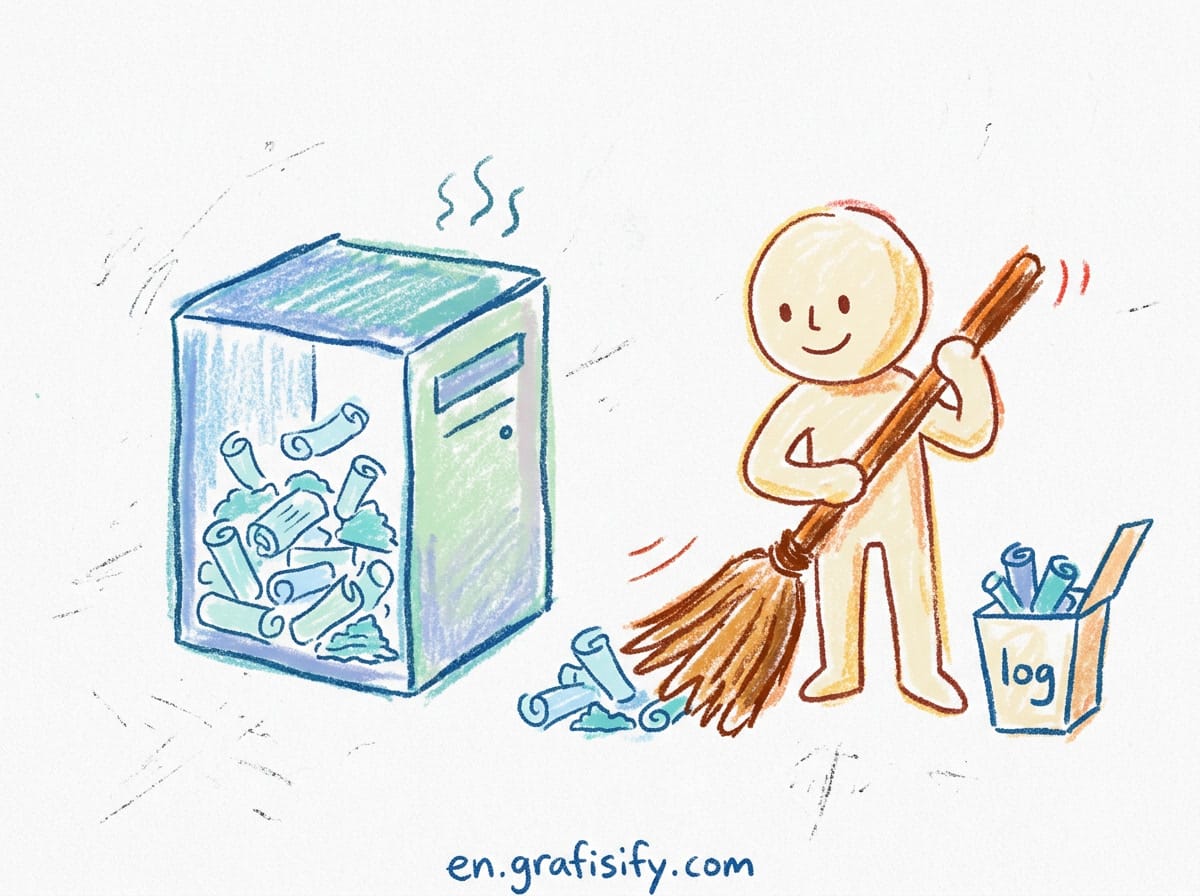
Perform a quarterly audit. Use tools like “Have I Been Pwned” to see if your email has appeared in breaches. If you find old accounts you no longer need, delete them. Minimizing your surface area is a key principle of digital security. Less data floating around means less data that can be stolen.
5. Master the Art of Phishing Detection
Social engineering remains the most effective way for attackers to bypass technical defenses. Phishing has evolved from poorly spelled emails to sophisticated, targeted messages that mimic your CEO or your bank perfectly. No software can fully patch human error; skepticism is your best firewall.
Always inspect the sender’s email address, not just the display name. Hover over links before clicking to reveal the actual URL. If an email creates a sense of urgent panic (“Your account will be deleted in 24 hours!”), it is almost certainly a scam. Organizations like the Cybersecurity and Infrastructure Security Agency (CISA) provide excellent resources on spotting these modern threats.
6. Automate Your Software Updates
It is tempting to click “Remind Me Later” when your OS or browser asks to update, but this is a dangerous habit. Software updates rarely just add features; they patch critical security vulnerabilities that hackers are actively exploiting. Ignoring them leaves a gaping hole in your defense.
Set your operating system, web browsers, and antivirus software to update automatically. This ensures you are protected against “zero-day” exploits as soon as patches are available. Keeping your software current is “set it and forget it” digital security maintenance.
7. Secure Your Connection with a VPN
When you connect to public Wi-Fi at a coffee shop or airport, your traffic is often unencrypted and visible to anyone on the network with a packet sniffer. A Virtual Private Network (VPN) creates an encrypted tunnel between your device and the internet, shielding your browsing habits and personal data from prying eyes.
While meaningful for privacy, a VPN is also a security tool. It masks your IP address and prevents “Man-in-the-Middle” attacks. Read our related guide on choosing the right VPN for your specific needs to ensure you aren’t trading security for slow speeds.
Advanced Strategies to Avoid Common Pitfalls
Even with the best tools, user behavior dictates success. One common mistake is neglecting backup codes. When you set up 2FA, you are often given a list of one-time codes. Print these out and store them physically safe. If you lose your phone or break your hardware key, these codes are the only way back into your digital life.
Another strategy is to compartmentalize your emails. Use a dedicated, secure email address solely for banking and recovery purposes, and a separate one for newsletters and shopping. If your shopping email gets compromised in a breach, your financial assets remain insulated. This segmentation is a pro-level digital security move that costs nothing but adds significant protection.
Pros & Cons of a High-Security Setup
✅ The Good
- Peace of Mind: Knowing your financial and personal data is encrypted reduces anxiety about identity theft.
- Convenience: Password managers and Passkeys actually speed up logins compared to typing manually.
- Resilience: You become a “hard target,” causing opportunistic hackers to move on to easier victims.
❌ The Bad
- Setup Friction: Initial setup of managers and 2FA across all accounts takes time and effort.
- Dependency: You become reliant on your devices; losing your phone requires a robust recovery plan.
- Complexity: Managing hardware keys and backup codes can feel overwhelming for non-tech-savvy users.
Final Thoughts
Implementing robust digital security measures is no longer optional; it is a necessity of modern life. By adopting a password manager, enabling 2FA, and staying vigilant against phishing, you create a defense system that protects not just your money, but your reputation and peace of mind.
Don’t wait for a breach to be your wake-up call. Start today by downloading a password manager and changing your email password. Your future self will thank you for the foresight.
Tagged with:
2FACybersecurityData PrivacyDigital HygieneIdentity Theft ProtectionInternet SafetyPassword ManagementPhishing PreventionSecure Browsingtech tips
Irfan is a Creative Tech Strategist and the founder of Grafisify. He spends his days testing the latest AI design tools and breaking down complex tech into actionable guides for creators. When he’s not writing, he’s experimenting with generative art or optimizing digital workflows.




 Artificial Intelligent
 Design & Creative
 Freelance
 Gadgets & Gear
 Insights
 Laptop
 Reviews
 Smartphone
 Tech Guides
 Vibe Coding