7 Essential Steps for a Personal Security Audit to Lock Down Your Digital Life

Quick Summary: In an era of constant data breaches, relying on simple passwords is a recipe for disaster. This guide walks you through a comprehensive personal security audit, from upgrading to hardware-based 2FA (like YubiKey) to scrubbing your presence from data broker lists, ensuring your digital footprint remains yours alone.
What is a Personal Security Audit?
A personal security audit is a systematic evaluation of your online presence, designed to identify vulnerabilities in your digital defense. It involves reviewing password hygiene, enabling multi-factor authentication, checking for compromised credentials in data breaches, and tightening privacy settings to minimize the risk of identity theft and unauthorized surveillance.
The Core Protocol: 7 Steps to Secure Your Footprint
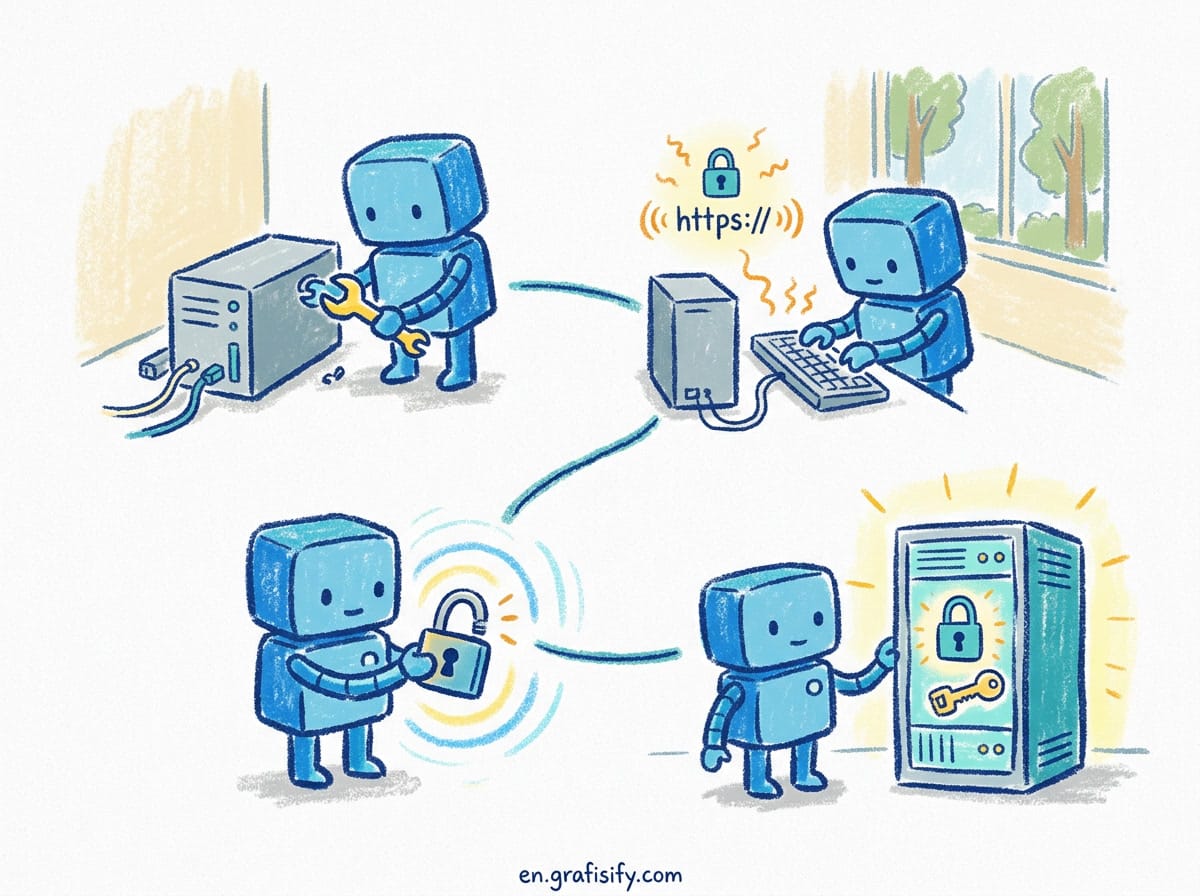
Conducting a thorough personal security audit isn’t just about paranoia; it’s about hygiene. Follow these seven distinct steps to transition from a “soft target” to a digital fortress.
1. Centralize and Strengthen with a Password Manager
The cornerstone of any security audit is the elimination of reused passwords. If you are using “Password123” for both your Netflix and your bank account, you are already compromised. The first step is adopting a reputable password manager like Bitwarden or 1Password. These tools allow you to generate 20-character, high-entropy passwords for every single account you own while only needing to remember one master passphrase.
During this phase of your personal security audit, you need to manually log into your most critical accounts (Email, Banking, Social Media) and update the credentials. It is tedious, but it is the single most effective barrier against brute-force attacks.
2. Upgrade to Hardware-Based 2FA (YubiKey)
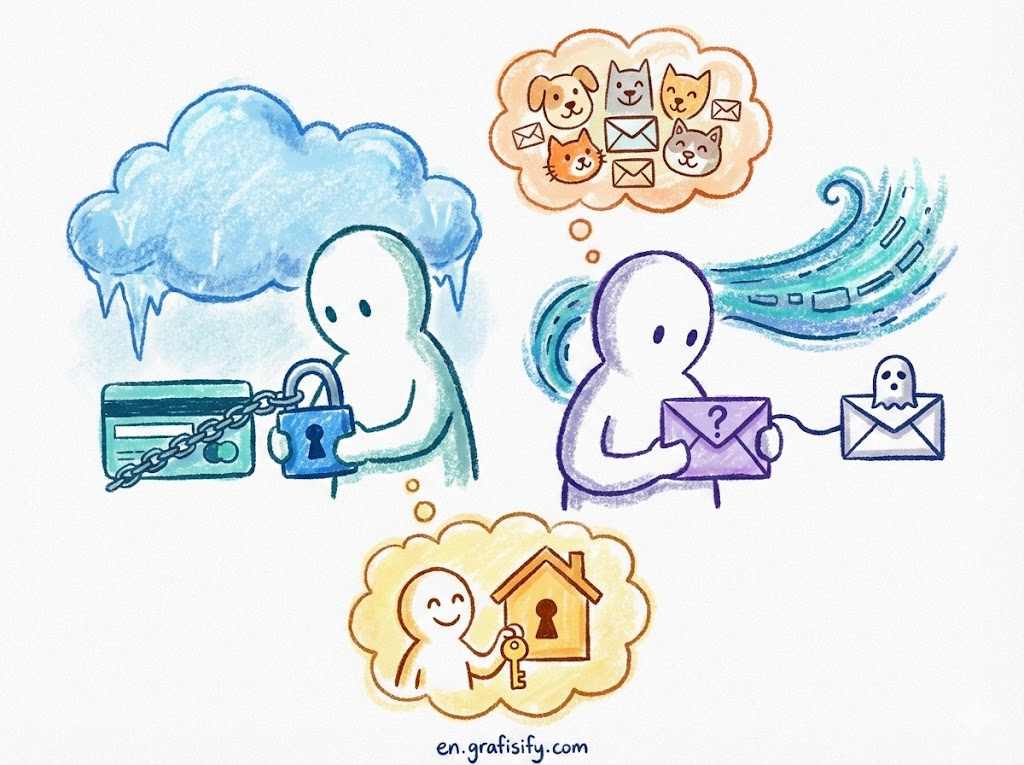
SMS-based two-factor authentication is better than nothing, but it is vulnerable to SIM-swapping attacks. To truly lock down your accounts, you need to graduate to hardware security keys, such as a YubiKey or Google Titan Key. These devices require physical presence to unlock an account, making remote phishing attacks nearly impossible.
For high-value targets like your primary email address (the “skeleton key” to your life) and financial exchanges, hardware keys are non-negotiable. For a deeper dive into authentication standards, you can refer to the Yubico explanation of strong 2FA to understand why physical tokens supersede digital codes.
3. Conduct a Data Breach Forensics Check
You cannot secure what you don’t know is missing. Use tools like Have I Been Pwned? to see if your email addresses or phone numbers have appeared in known data dumps. If your data appears in a breach, assume that any password associated with that account is public knowledge.
Part of your personal security audit involves retiring “burned” emails. If an email address has been involved in 10+ breaches, it might be time to migrate your sensitive accounts to a fresh, clean alias that hackers haven’t indexed yet.
4. The Social Media “Purge and Lock”
Your social media profiles are goldmines for social engineers looking to answer your security questions. “What was the name of your first pet?” is easily answered if you posted a throwback photo of “Fluffy” on Instagram. Go through your Facebook, X (Twitter), and LinkedIn settings. Change visibility from “Public” to “Friends Only” or “Private.”
Review your authorized apps list. We often grant permissions to quizzes or games and forget about them. Revoke access to any third-party application you haven’t used in the last six months to reduce your attack surface.
5. Implement Full-Disk Encryption and Updates
Digital security extends to your physical hardware. Ensure that BitLocker (Windows) or FileVault (macOS) is enabled on your computer. If your laptop is stolen, full-disk encryption ensures that the thief gets a piece of hardware, not your tax returns and family photos.
Simultaneously, check for firmware updates on your router and OS updates on your phone. Keeping software patched is the easiest way to close backdoors that exploits use to gain entry.
6. Utilize Email Aliasing and Burner Phones
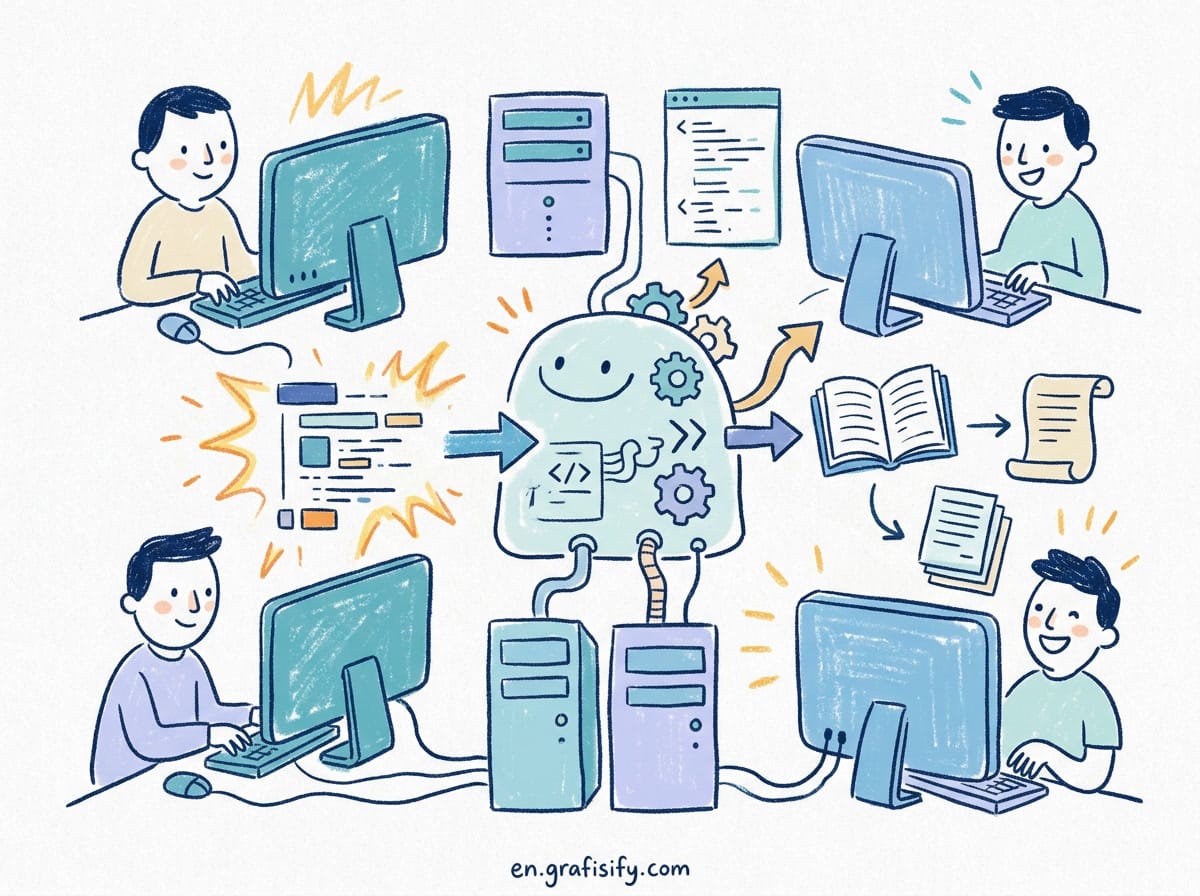
Stop giving your real email address to every newsletter and e-commerce store. Services like SimpleLogin or Apple’s “Hide My Email” allow you to create unique email addresses that forward to your main inbox. If one of those aliases gets spammed or breached, you can simply delete it without affecting your primary identity.
This segment of the personal security audit ensures that if a random vendor gets hacked, your login ID for your bank isn’t sitting in the leaked database. It compartmentalizes your digital risk.
7. Freeze Your Credit and Monitor Financials
The ultimate safety net is preventing identity thieves from opening new lines of credit in your name. In the US, you should freeze your credit with the three major bureaus: Equifax, Experian, and TransUnion. It is free, and you can temporarily unfreeze it whenever you need to apply for a loan.
According to the Federal Trade Commission (FTC), credit freezes are the most effective tool against new account fraud. Make this the final, non-negotiable step of your audit.
Advanced Privacy Strategies
Once you have completed the core list, you can look into advanced measures to keep your data invisible. One major oversight is the “metadata” in your photos. When you upload images directly from your phone, they often contain GPS coordinates of where the photo was taken—likely your home.
Turn off location tagging for your camera app. Furthermore, consider using a DNS sinkhole like Pi-hole on your home network to block ad trackers at the router level. This prevents smart TVs and IoT fridges from phoning home with your usage data.
Pros & Cons of a Total Lockdown
✅ The Good
- Drastic reduction in identity theft risk: Freezing credit and using hardware keys makes you a hard target.
- Peace of mind: Knowing your personal security audit is up to date reduces anxiety about news of global hacks.
- Data compartmentalization: If one service fails, it doesn’t cause a domino effect on your other accounts.
❌ The Bad
- Convenience friction: Logging in takes longer with 2FA and complex passwords.
- Setup costs: Hardware keys like YubiKeys cost money, as do premium password managers.
- Recovery complexity: If you lose your 2FA keys and haven’t saved backup codes, you can lock yourself out permanently.
Final Thoughts
Conducting a personal security audit is not a one-time event; it is a lifestyle change. The digital landscape evolves rapidly, and the tools hackers use get smarter every day. By implementing these seven steps, you aren’t just protecting your data; you are protecting your future, your finances, and your reputation.
Start small—download a password manager today and order your security keys. The inconvenience of setting them up pales in comparison to the nightmare of reclaiming a stolen identity.
Read our related guide on the best encrypted messaging apps to further secure your communications.
Tagged with:
2FACybersecurityData ProtectionDigital HygieneEncryptionIdentity TheftOnline SafetyPassword ManagerPrivacytech tips
Irfan is a Creative Tech Strategist and the founder of Grafisify. He spends his days testing the latest AI design tools and breaking down complex tech into actionable guides for creators. When he’s not writing, he’s experimenting with generative art or optimizing digital workflows.





 Artificial Intelligent
 Freelance
 Gadgets & Gear
 Insights
 Laptop
 Reviews
 Smartphone
 Tech Guides
 Vibe Coding